

מידע
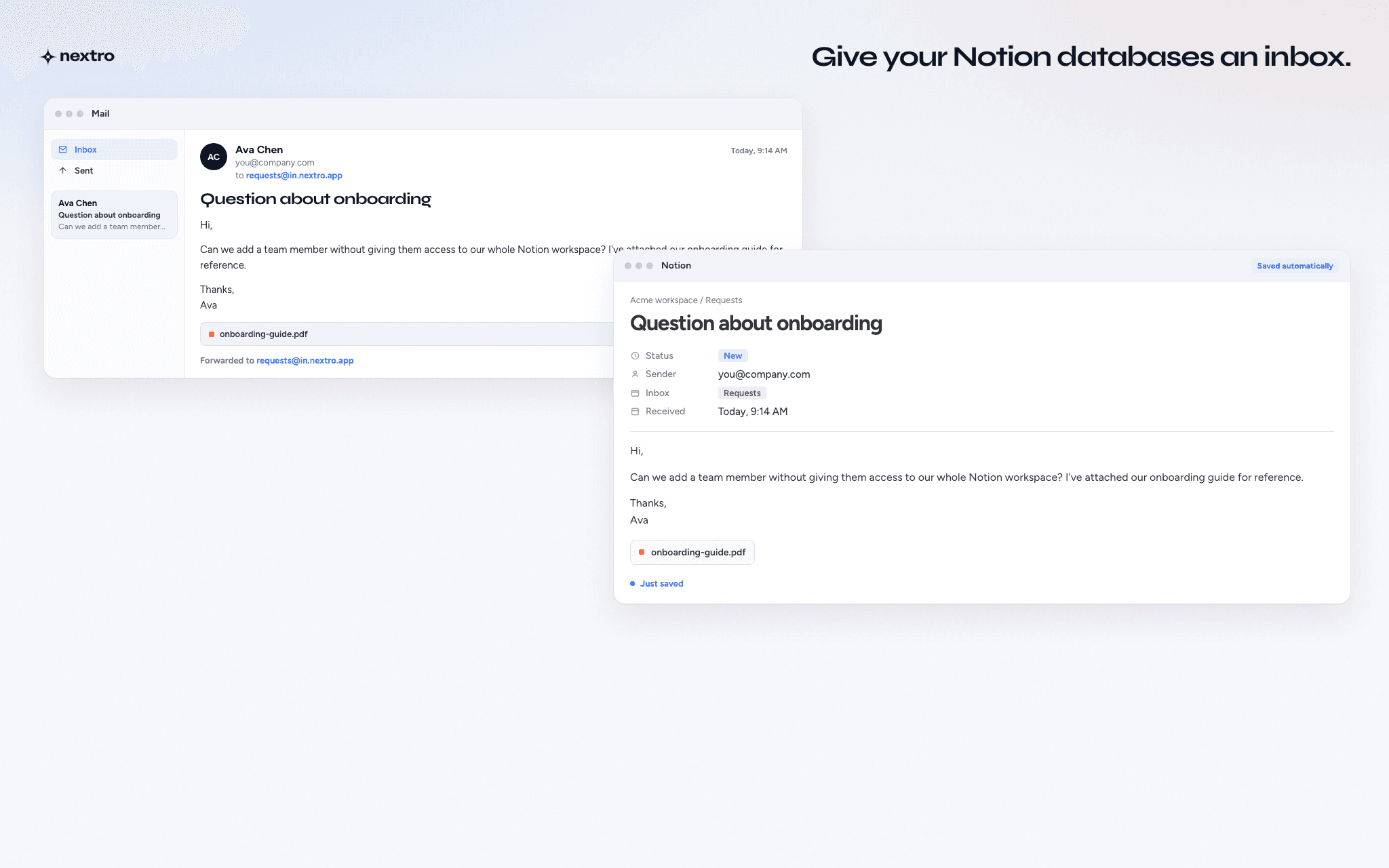
Nextro gives Notion databases their own email addresses.
Create a named inbox for a Notion database, then send or forward emails to it. Each message becomes a new Notion page with the email subject, body, mapped properties, sender metadata, inline images, and supported attachments.
Use Nextro to bring information from email into the Notion databases where your work already lives. Collect customer requests, forwarded emails, documents, research, receipts, submissions, and other incoming information without manually copying it into Notion.
תכונות
- לקרוא, להוסיף ולעדכן תוכןיכול לקרוא, להוסיף ולעדכן דפים, מאגרי ידע ובלוקים ששותפו עם החיבור הזה.
- צפייה במשתמשים בסביבת העבודהקורא פרטי פרופיל בסיסיים על חברים ואורחים בסביבת העבודה, כולל כתובות האימייל שלהם.
הוראות שימוש
- Create a Nextro account and connect your Notion workspace.
- Create a named inbox and choose the Notion database where incoming emails should be saved.
- Configure how email data maps to your Notion properties. You can also set default values and control which email addresses are allowed to send to the inbox.
- Send or forward an email to your new Nextro inbox.
- Nextro creates a new page in the connected Notion database with the email content, metadata, mapped properties, inline images, and supported attachments.
You can create separate inboxes for different databases or workflows.
פרטים
נוצר על ידי

קטגוריה
- תקשורת
- עבודה משותפת
- אוטומציות
קישורים למפתחים