

מידע
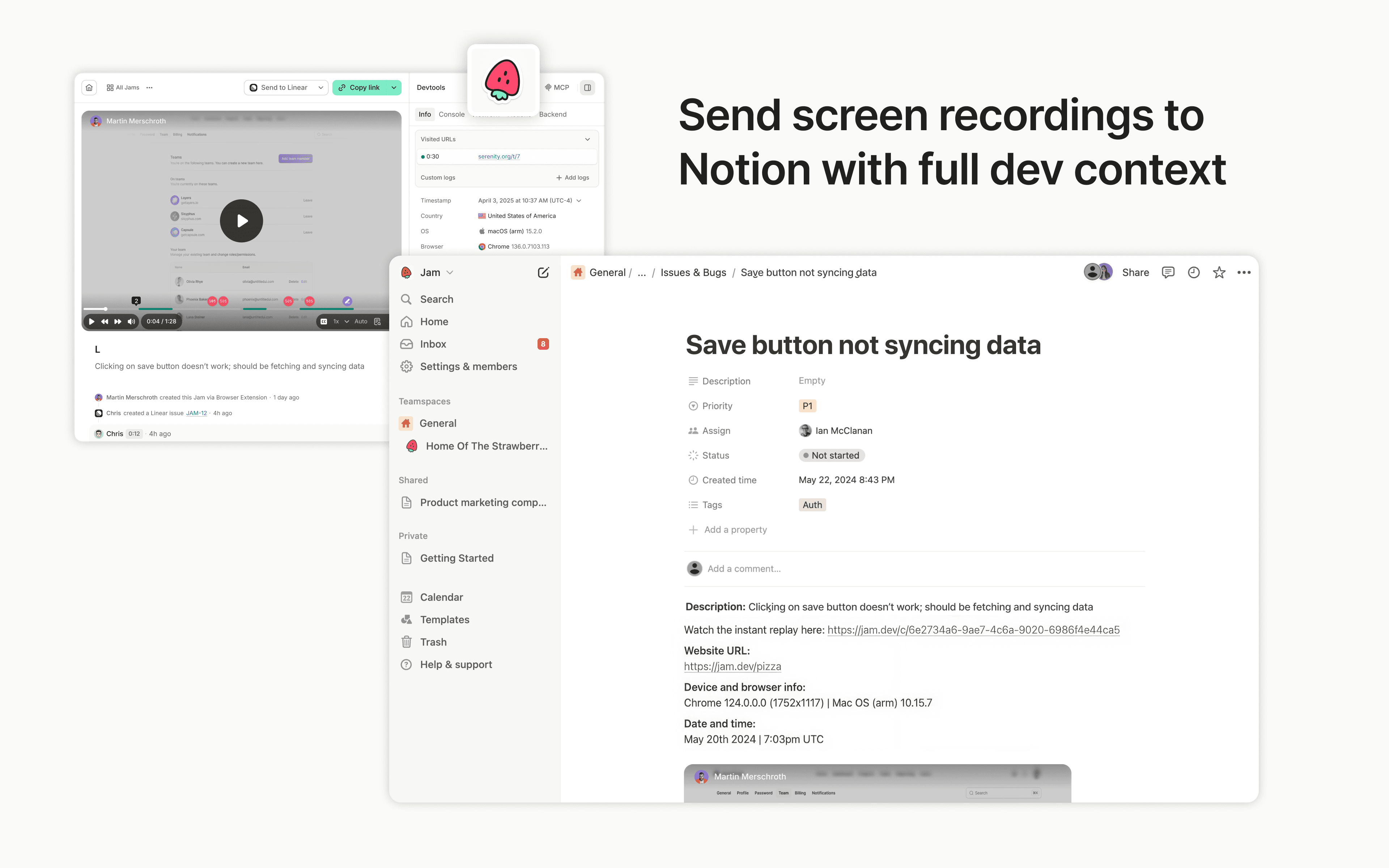
Jam is the smart screen recorder for software teams. Capture bugs, feedback, feature ideas, QA notes, or customer issues in one click from your browser or iOS app, then send them to Notion as tasks, docs, or product notes.
Every recording is automatically enriched with the technical context teammates, engineers, and AI agents need to understand what happened and move work forward, including repro steps, console and network logs, user actions, device info, and more.
תכונות
- לקרוא ולהוסיף תוכןיכול לקרוא ולהוסיף דפים, מאגרי ידע ובלוקים ששותפו עם החיבור הזה.
- צפייה במשתמשים בסביבת העבודהקורא פרטי פרופיל בסיסיים על חברים ואורחים בסביבת העבודה, כולל כתובות האימייל שלהם.
הוראות שימוש
Sending Jams to Notion is simple:
- Capture a bug, feedback, or QA note with the Jam browser extension or iOS app
- Click the Notion button in your Jam
- Choose the Notion page or database where the Jam should go
- Create a Notion page with the Jam and full technical context attached
פרטים
נוצר על ידי
קטגוריה
- פיתוח
- אוטומציות
- עבודה משותפת
קישורים למפתחים