 Gasti - Expenses from WhatsApp with AI
Gasti
מידע
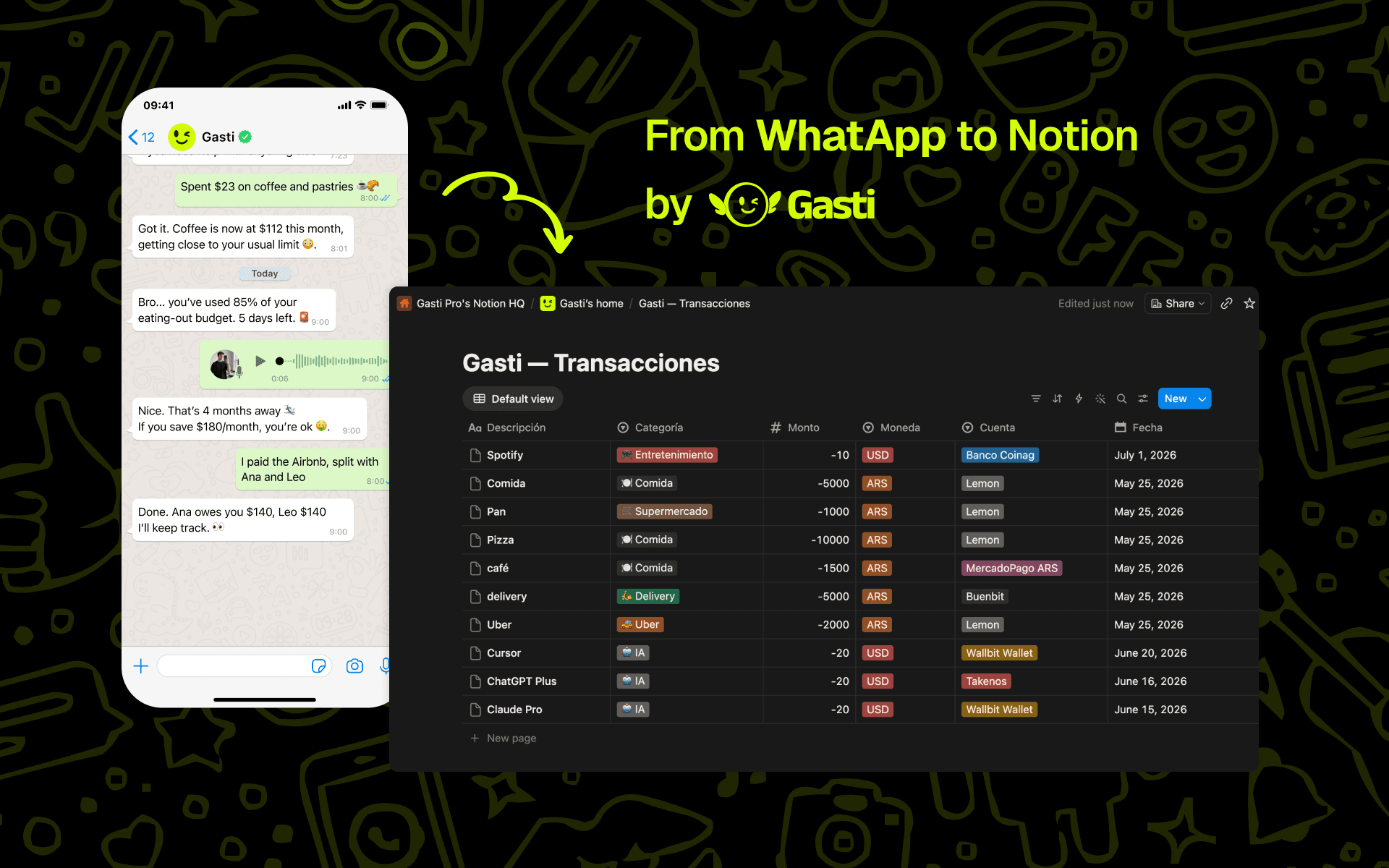
Gasti is a multi-currency personal finance app. However you log money — WhatsApp, the app, email import, recurring rules, scheduled income, or transfers — every transaction flows into Notion. Edits and deletions sync too, so your Notion view always matches Gasti.
What you can do:
• Create a brand-new database — Gasti builds it for you with properly typed properties (Amount as a number, Date as a date, Category and Type as selects, plus a stable "Gasti ID").
• Or connect an existing database — map each piece of data to the Notion property of your choice.
• Import your history — optionally pick a date range to bring older transactions in; new ones flow automatically from then on.
How it works:
• Amounts carry their sign automatically (expenses negative, income positive), so totals and rollups in Notion just work.
• Each transaction maps to a page in your database, deduplicated by its Gasti ID — re-syncs never create duplicates.
• It's one-way (Gasti → Notion): the connection only writes the transactions you choose to export and never reads or modifies the rest of your workspace.
• You pick exactly which pages the connection can access during authorization.
Build budgets, dashboards, and reports in Notion on top of your real financial data — while you just text Gasti on WhatsApp.
תכונות
- לקרוא, להוסיף ולעדכן תוכןיכול לקרוא, להוסיף ולעדכן דפים, מאגרי ידע ובלוקים ששותפו עם החיבור הזה.
- צפייה במשתמשים בסביבת העבודהקורא פרטי פרופיל בסיסיים על חברים ואורחים בסביבת העבודה, כולל כתובות האימייל שלהם.
הוראות שימוש
The magic: once connected, just text Gasti your expenses on WhatsApp — they appear in Notion on their own.
1. In Gasti, go to Settings → Integrations and find the Notion card.
2. Click "Connect" and authorize Gasti in Notion. In the page picker, choose which pages (or an existing database) you want to share.
3. In the setup wizard, either let Gasti create a new database, or pick an existing one and map each field to a property.
4. (Optional) Choose a date range to import your past transactions.
5. Done — your transactions now appear in Notion and stay in sync automatically.
Note: the Notion connection is available on Gasti's Pro and Premium plans.
פרטים

- כספים