מידע
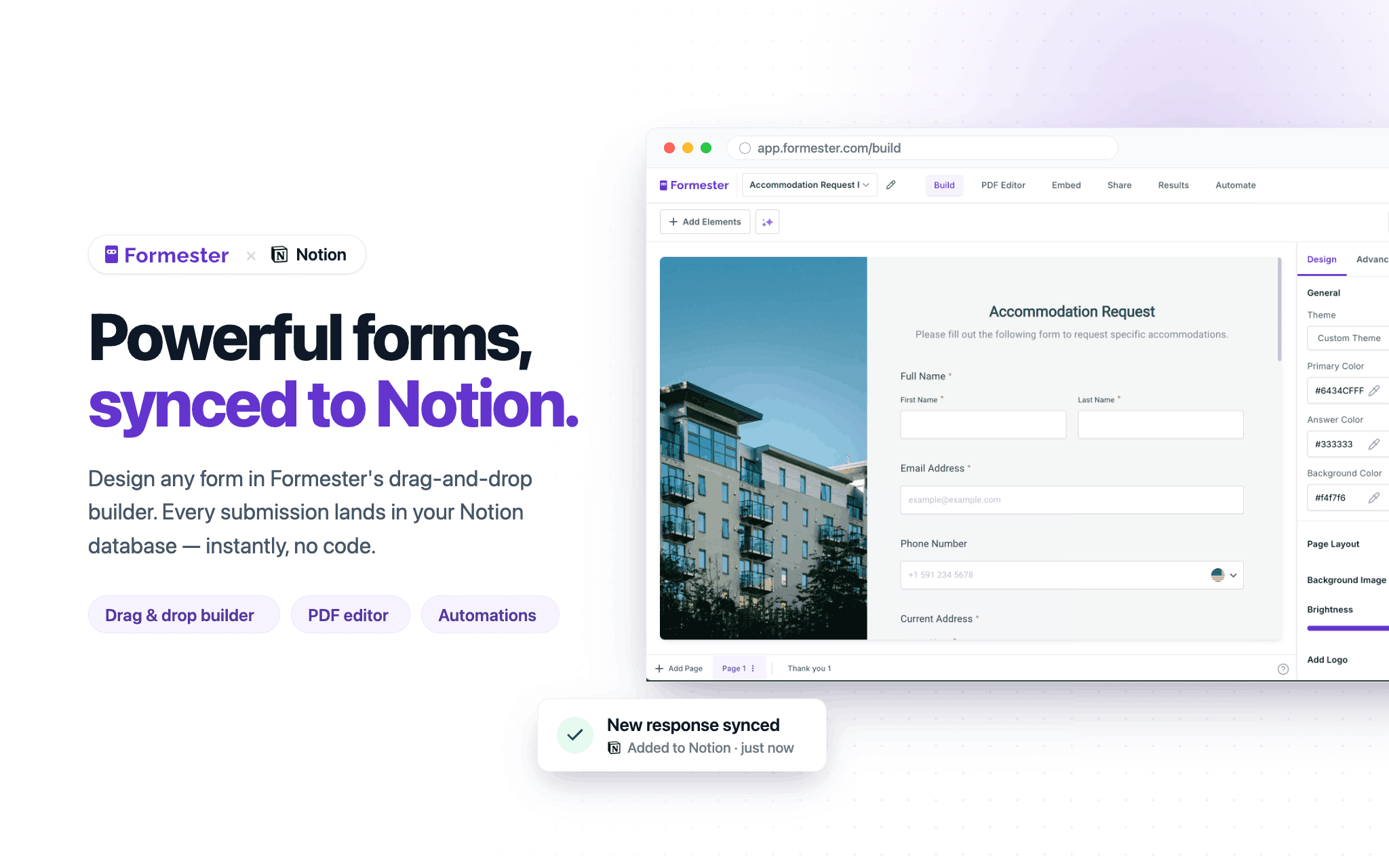
Formester is a powerful online form builder that lets you create customizable forms, surveys, and applications that seamlessly connect with your Notion databases. Collect new entries or update existing records, automatically sync responses to Notion, and keep your data organized in one place.
תכונות
- לקרוא, להוסיף ולעדכן תוכןיכול לקרוא, להוסיף ולעדכן דפים, מאגרי ידע ובלוקים ששותפו עם החיבור הזה.
- צפייה במשתמשים בסביבת העבודהקורא פרטי פרופיל בסיסיים על חברים ואורחים בסביבת העבודה, כולל כתובות האימייל שלהם.
הוראות שימוש
1. Sign up or log in to your Formester account.
2. Create a new form or open an existing form you want to connect to Notion.
3. In Formester, connect your Notion account and select the database you want to sync submissions to.
4. Map your form fields to the corresponding properties in your Notion database.
5. Publish your form and share it or embed it where you collect responses.
6. Submit a test response to confirm new pages are created or updated in your Notion database.
7. Manage all responses, automations, and integrations from your Formester dashboard.