

מידע
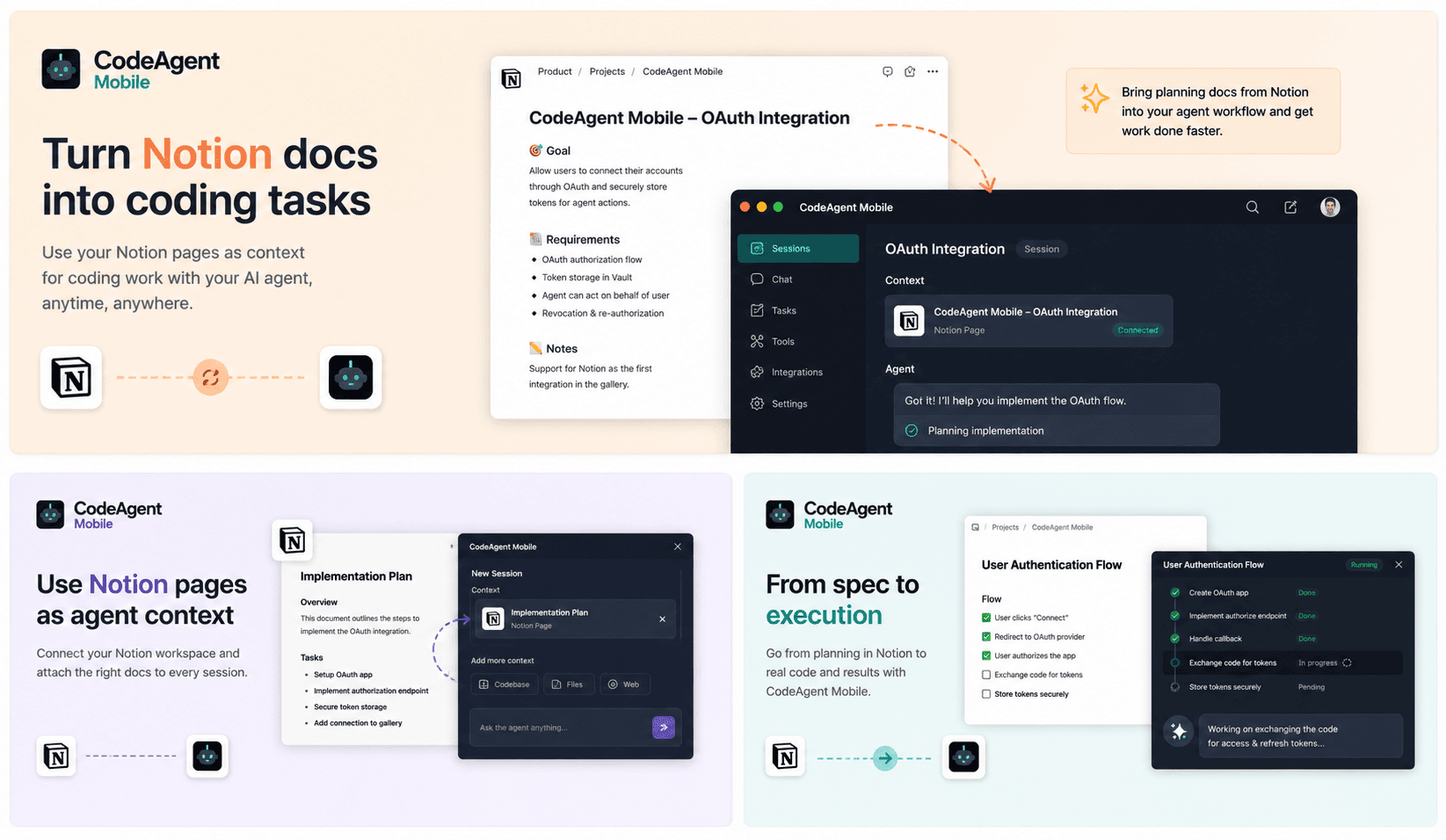
CodeAgent Mobile connects Notion to your AI coding workflows so agents can access product specs, technical notes, tasks, and project documentation during active development sessions.
Use Notion pages and databases as context when launching Codespaces, self-hosted environments, or agent sessions from CodeAgent Mobile. Your agent can understand requirements, summarize documentation, reference project decisions, and help turn Notion context into actionable engineering work.
תכונות
- לקרוא, להוסיף ולעדכן תוכןיכול לקרוא, להוסיף ולעדכן דפים, מאגרי ידע ובלוקים ששותפו עם החיבור הזה.
- לקרוא ולהוסיף תגובותיכול לקרוא ולהוסיף תגובות בדפים ובבלוקים שהוא יכול לגשת אליהם.
- צפייה במשתמשים בסביבת העבודהקורא פרטי פרופיל בסיסיים על חברים ואורחים בסביבת העבודה, כולל כתובות האימייל שלהם.
הוראות שימוש
Get started in three steps:
1. Create a free CodeAgent Mobile account — download the iOS/Android app or open the web dashboard at https://www.codeagent-mobile.com.
2. In CodeAgent Mobile, go to Profile → Integrations → Notion and tap Connect. Authorize CodeAgent Mobile to access your Notion workspace and pick the pages and databases you want to share.
3. That's it — from any agent session, your AI coding agent can now read and act on your Notion workspace on your behalf: search pages and databases, read content, create and update pages, and append blocks, all at your request.
CodeAgent Mobile does not run its own LLM — it invokes the AI coding agent (e.g. Claude) you've connected, using your own credentials, and never stores your Notion content.
פרטים

- פיתוח
- אוטומציות
- פרודוקטיביות