

מידע
NotionCal turns any Notion database into a fully synced calendar. Add a Date property to your pages, connect your database, and every page becomes a calendar event automatically.
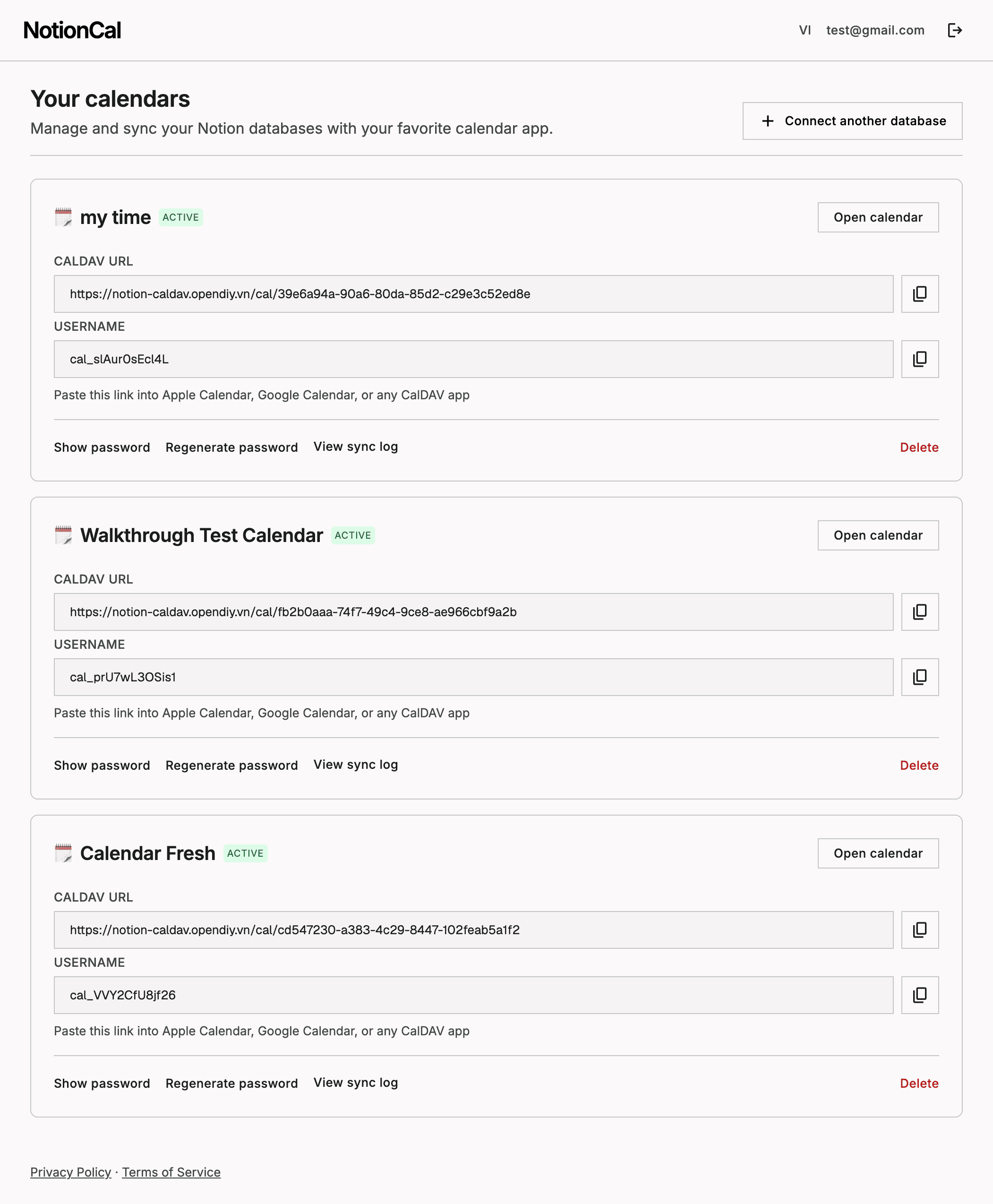
View and manage events in a built in calendar webview, or subscribe via CalDAV to see them in Apple Calendar, Google Calendar, or any app that supports the CalDAV protocol. Changes sync both ways: edit a date in Notion and your calendar updates instantly, or drag an event in the calendar and Notion updates too.
Real time updates are powered by Notion webhooks, so there is no waiting for a refresh. Great for teams and individuals who plan projects, content, or events in Notion but want a native calendar view too.
תכונות
- לקרוא, להוסיף ולעדכן תוכןיכול לקרוא, להוסיף ולעדכן דפים, מאגרי ידע ובלוקים ששותפו עם החיבור הזה.
- צפייה במשתמשים בסביבת העבודהקורא פרטי פרופיל בסיסיים על חברים ואורחים בסביבת העבודה, כולל כתובות האימייל שלהם.
הוראות שימוש
Click Connect, sign in with Notion, and select the databases you want to sync. Add a Date property to each database if it does not already have one. You will get a calendar webview link and a CalDAV URL to add to Apple Calendar, Google Calendar, or any calendar app, ready in under a minute. See the full setup guide with screenshots at notion-caldav.opendiy.vn/guide.
