

TL;DR
Notion’s Developer Platform is here. New features that give developers and agents the capabilities to build on Notion—extend Custom Agents, bring any data source into your workspace, and work with every agent your team uses.
Workers let you deploy custom code to Notion's hosted runtime. Sync data into Notion, build custom tools, and trigger work with webhooks—no external infrastructure required. Available now in public beta.
External Agents bring agents into Notion as native workspace participants. They show up in your agent list, chat directly in Notion, and take actions alongside your team. Join the waitlist today.
External Agent API lets you bring your own agents into Notion the same way. If your team has built agents on other frameworks, they become first-class workspace participants too.
The CLI (
ntn) ties it all together. Authenticate in one line, read and write to Notion, manage and deploy Workers—all from your terminal or IDE. Available now on all plans.Governance from day one. Auth, permissions, and sandbox are part of the platform from the first deploy.
With Custom Agents, Notion became the collaborative AI workspace where teams and agents work side by side. Teams have already built over 1 million Custom Agents so far, automating everything from Slack Q&A to weekly reporting to automated task routing.
But the more teams pushed agents into real workflows, the more they ran into the same walls. An agent that can’t reach external data, a workflow that requires custom logic, or a coding agent with no way into the workspace. Until now, the honest answer to “can Notion do that?” wasn’t always yes.
That’s why we're introducing Notion's Developer Platform—new building blocks that give developers and agents the capabilities to extend what's possible in Notion and take it beyond.
Extend Notion with Workers
Notion can’t do everything out of the box (despite how much we’d like it to). Your team’s workflows span tools and systems that Notion couldn’t natively connect to. Until now, filling those gaps meant third-party automation platforms or custom scripts running on your own infrastructure.
Workers change that. They’re Notion’s hosted runtime for custom code. Write your logic, deploy to a secure sandbox, and it’s live—no servers to provision, no containers to configure. A single Worker can power database sync, custom agent tools, and webhook triggers. And when MCP tools aren’t enough—when you need predictable execution and custom logic—Workers give you full control. The deploy flow is fast: Authenticate through the CLI, write your code (or have your coding agent write it), and deploy.
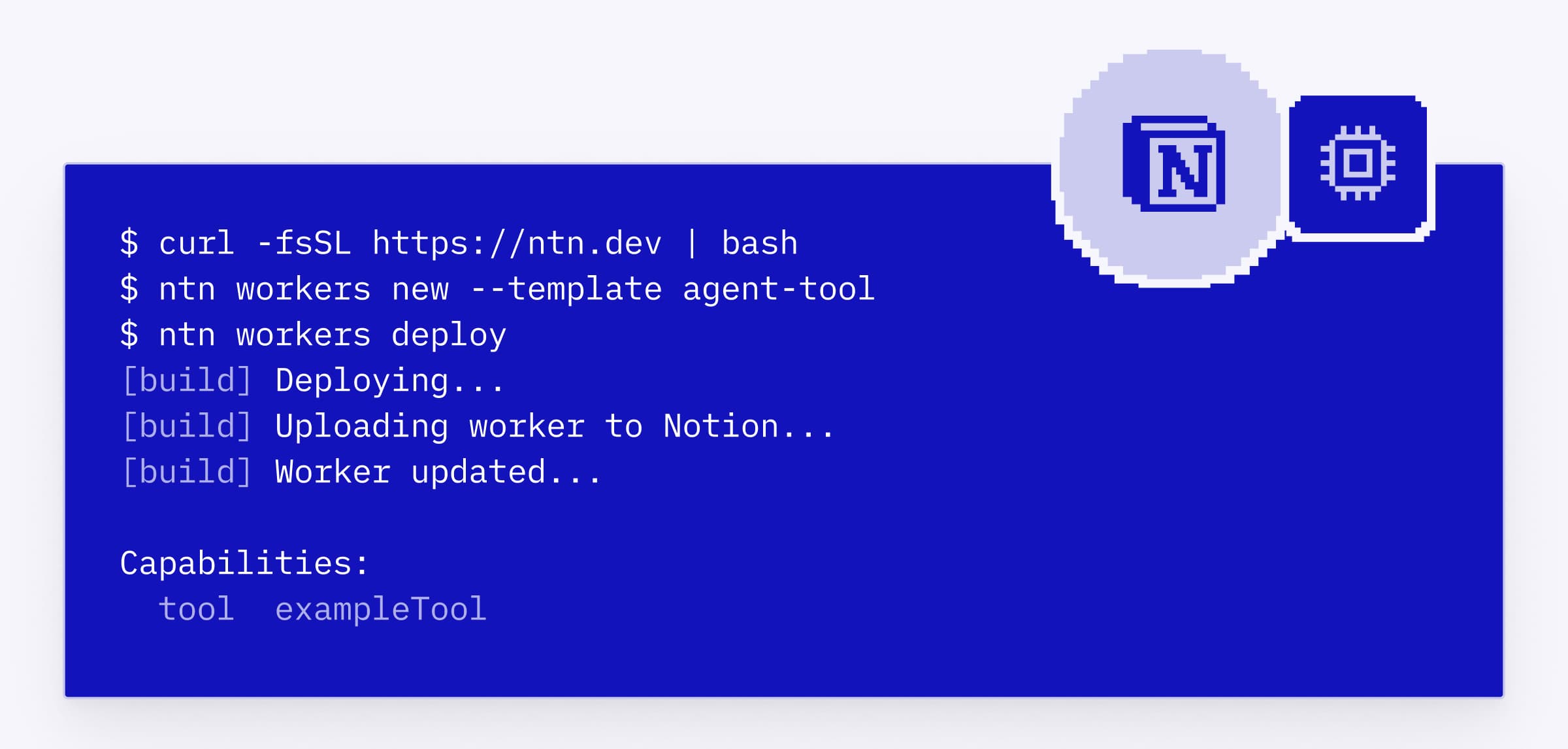
Workers are available now in public beta on Business and Enterprise plans, and free to use through August.
Sync any data source
Your team’s information is scattered across tools like CRMs, support platforms, production databases, and internal systems. That fragmentation means your team and your agents are always working with incomplete context. You can’t build reliable agent workflows on stale or incomplete data.
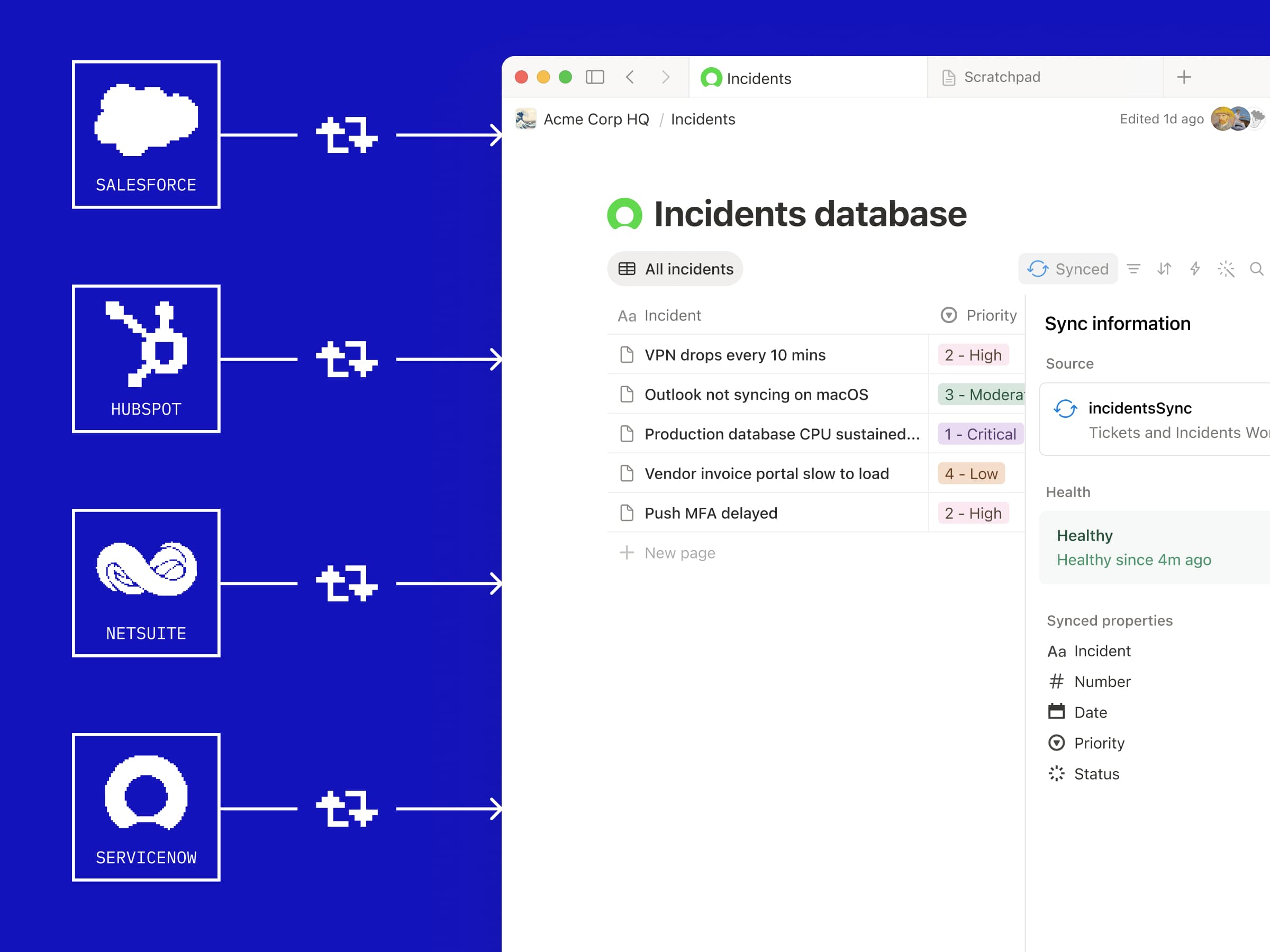
Database sync (powered by Workers) brings data from any system of record with an API—Zendesk, Salesforce, Postgres, and more—into Notion databases and keeps them fresh automatically. Write the sync logic, deploy the Worker, and your external data lives in Notion alongside everything your team already uses. Now your agents can read it, your team can see it, and everyone is working from the same shared, trusted context.
Build custom tools for your agents
Custom Agents come with built-in tools and can connect to third-party capabilities through MCP. MCP is great for broad connectivity, but some workflows need predictable execution and custom logic that LLM-mediated tool calls can’t always provide.
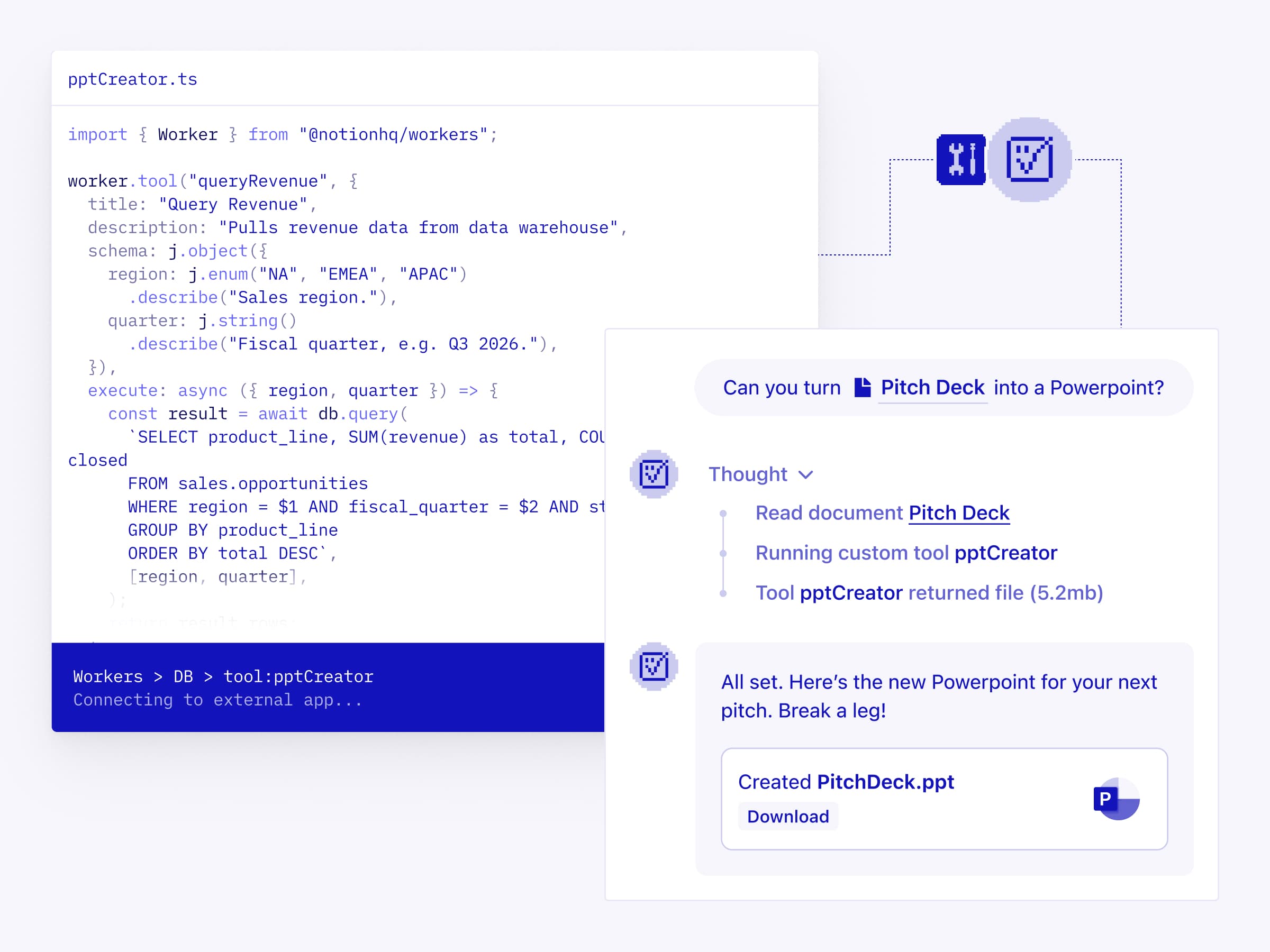
Now, you can build agent tools via Workers. They’re deterministic and token-efficient, so your code runs exactly as written every time. Write custom tool logic, deploy it as a Worker, and your Custom Agent can call it immediately. Whether it’s pulling customer data from your CRM, triggering an action in an internal system, or running a validation that’s specific to your team’s workflow, you can build exactly what you need.
Every agent, one workspace
Teams use a lot of agents and AI tools. But most of those agents can’t participate in Notion—and there's nowhere else where all your agents can work together in one place. You end up juggling chats across different apps, copying and pasting context between tools, and feeling like you’re the one gluing it all together. Wasn’t the whole point to get rid of busywork?
External agents are the first step to Notion becoming the workspace where every agent your team uses can operate natively, right alongside your Custom Agents and your team. Chat with them directly in Notion, assign them work, and track progress—just like Custom Agents.
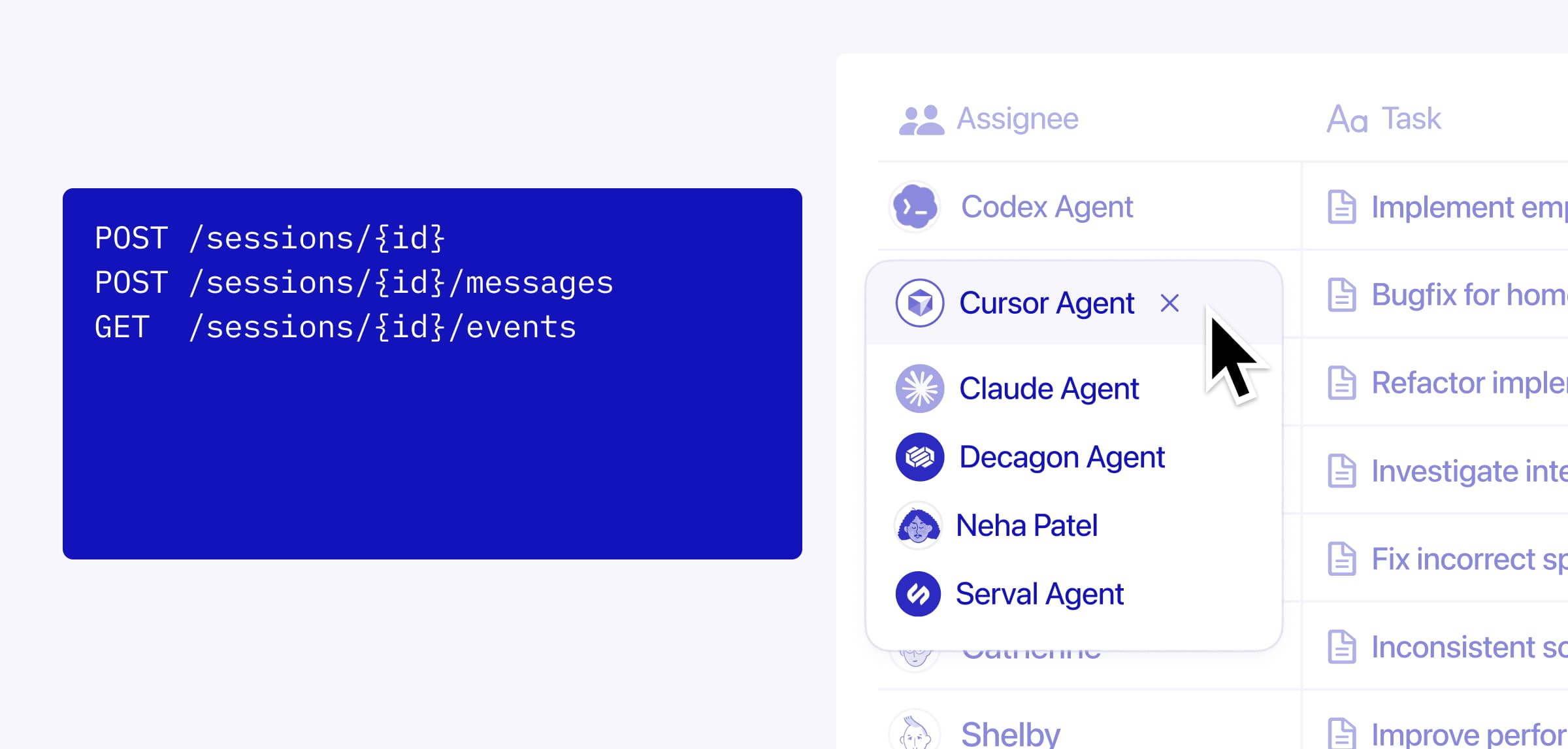
Claude Code, Cursor, Codex, and Decagon are just a handful of the partner agents available out of the box, with more coming soon.
The External Agent API opens this up to your own agents too. If your team has built internal agents on other frameworks—an in-house support agent, a custom-built ops agent, or something specific to your company—the External Agent API lets you bring them into Notion as first-class workspace participants.
The CLI ties it all together
The CLI (ntn) is how developers and coding agents interact with the entire Developer Platform. Authenticate once, then read and take action in Notion, manage and deploy Workers, and automate workflows—all from your terminal or IDE. Same interface for humans and agents.
This is the fastest path to giving any coding agent full access to Notion. One line in your terminal and you’re connected.
The CLI is available now on all plans. Deploying and managing Workers is available to Business and Enterprise plans.
Governance is built in
The tools for building agents are moving faster than the tools for managing them. We built the Developer Platform with that in mind, so authentication, permissions, and sandboxing are part of the platform from the first deploy.
Progressive trust. Start with human review on every action an agent takes, then expand autonomy as agents prove reliable. You decide the pace.
Visibility. Every agent’s work—Custom Agents, coding agents, external agents—shows up in the same workspace where your team collaborates. What’s running, who approved, and what it did.
Sandboxed. Workers run in Notion’s hosted sandbox, and your code executes in an isolated environment with defined permissions.
What’s next
Workers use the same credit system as Custom Agents, and they’re free through August so you have time to build and explore.
Right now, developers are the ones building the frontier of what’s possible with agents. But these capabilities won’t stay developer-only for long. Soon, Custom Agents will use these same primitives on your behalf, building their own tools, connecting to other systems, and extending what’s possible without you ever opening a terminal.
We’re building this fast and in the open, and we’d love to hear what you build. If you want to jump in, you can read the docs and install the CLI today.