連接圖示

Notion AI Connector for Box

Overview

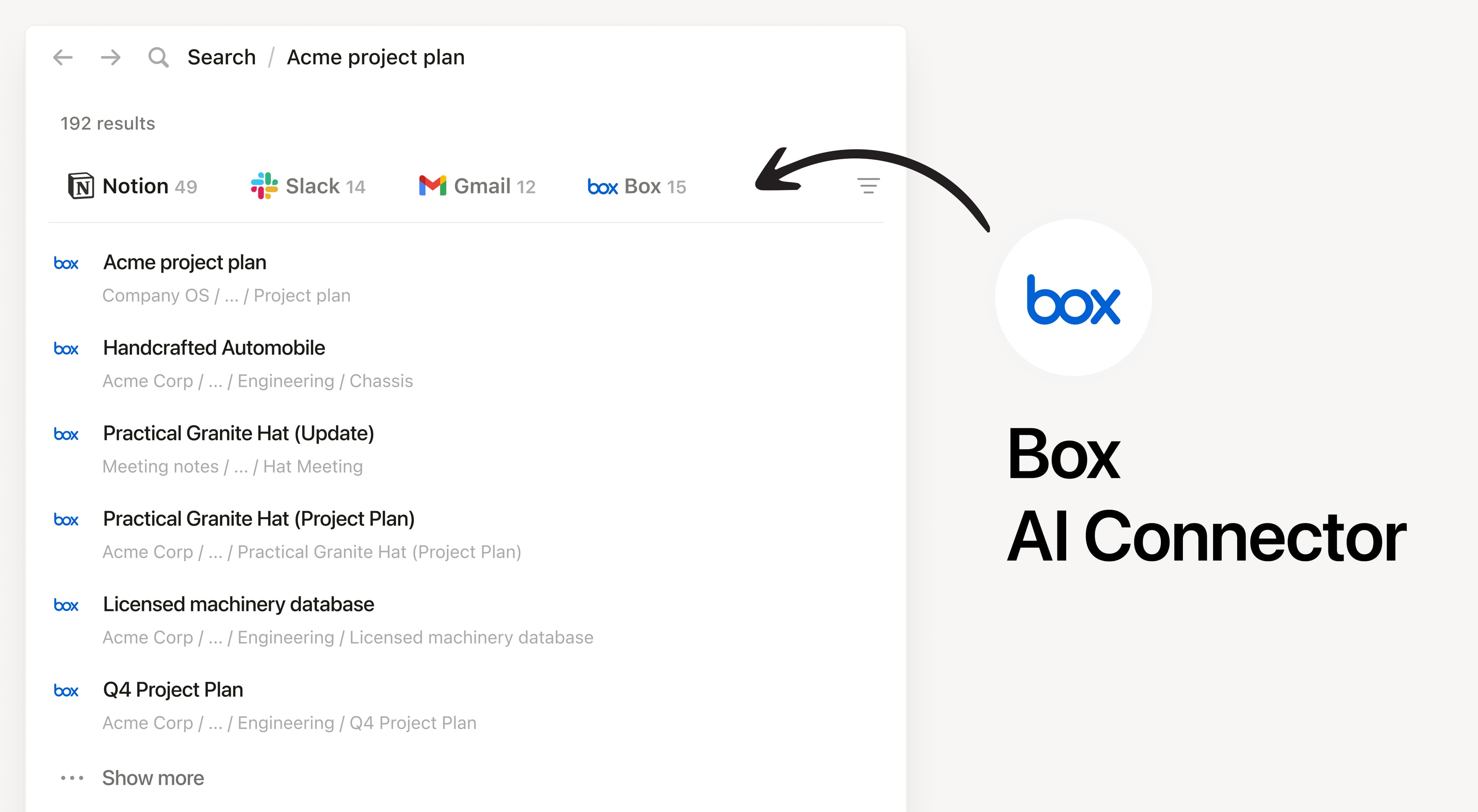
Install Notion’s AI Connector to your Box account. Search your files and folders hosted in Box to answer questions and summarize information without having to leave Notion.

How to use

Must be a Notion workspace owner on the Enterprise plan and Box Admin to connect.

In Notion, navigate to the Box AI Connector by going to Settings → Notion AI → AI Connectors tab → Box and follow the setup steps. You’ll be taken to Box to continue.

For detailed instructions, check out our Help Center.

After installation is complete, ask Notion AI to summarize the key decisions and action items in a specific file or compare two docs to list what changed.

在此提及的所有第三方商標(含標誌和圖示)皆為各自擁有者的財產。除非特別標明「使用 Notion 製作」,否則 Notion 不負責整合的支援和維護服務。整合所連接的第三方產品或服務將被視為「非 Notion 應用程式」(定義請見 Notion 的主要訂閱協議個人使用條款,如適用)。如啟用整合或使用 Notion 整合庫,即代表你同意 Notion 的整合庫條款.