ไอคอนการเชื่อมต่อ

Notion AI Connector for Outlook

Overview

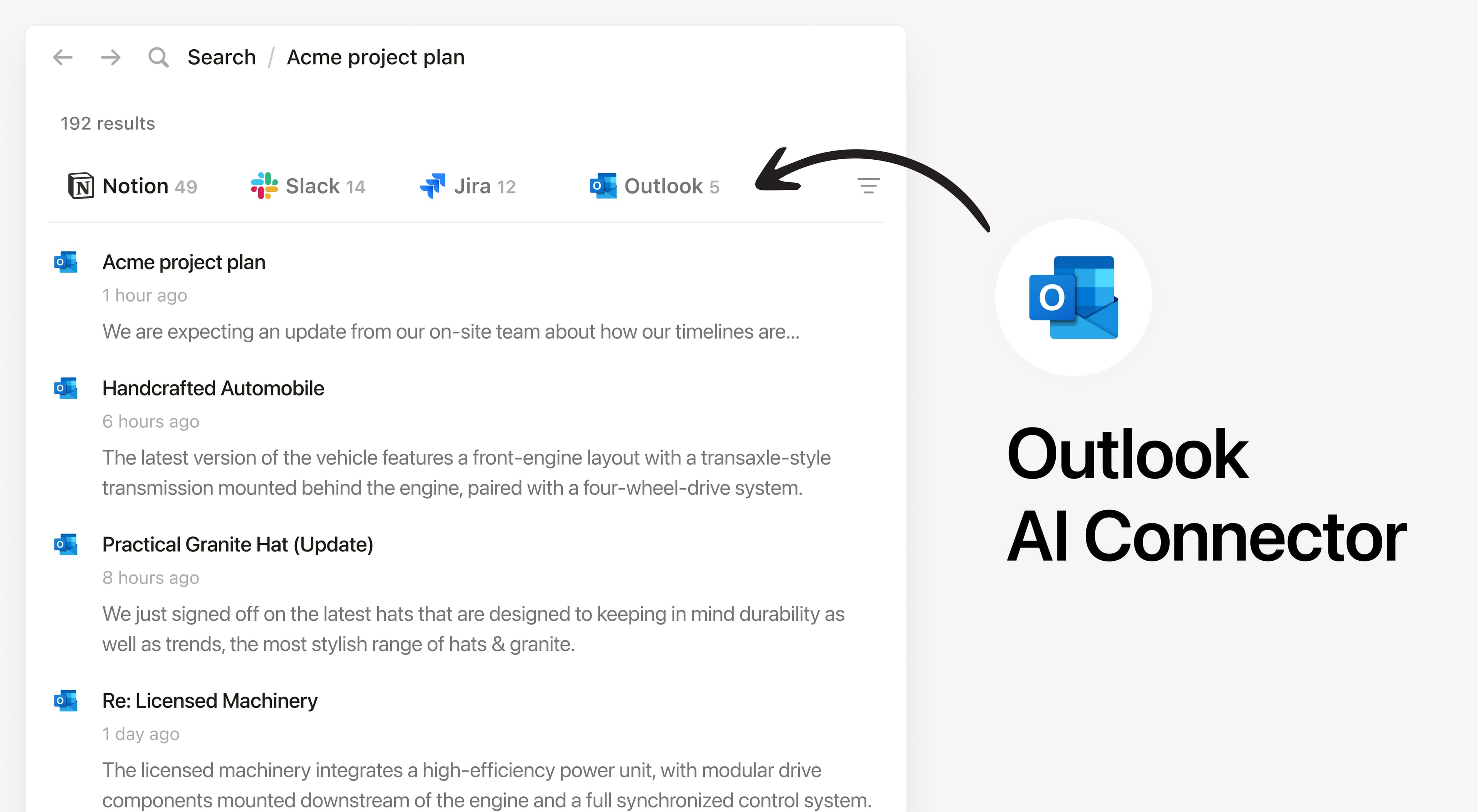
Install Notion’s AI Connector to your Outlook Mail account. Easily find and summarize email threads, search your inbox with natural language, and access important communications without leaving Notion.

How to use

Must be a Notion workspace owner on the Business or Enterprise plan and a Microsoft 365 Admin to connect.

In Notion, navigate to the Outlook AI Connector by going to SettingsNotion AIAI ConnectorsOutlook and follow the setup steps. You’ll be taken to Microsoft to continue.

For detailed instructions, check out our Help Center.

After installation is complete, ask Notion AI to summarize recent emails from a specific sender or search for emails about a particular topic for quick access.

เครื่องหมายการค้าของบุคคลที่ 3 ทั้งหมด (รวมถึงโลโก้และไอคอน) ที่แสดงในที่นี้เป็นทรัพย์สินของเจ้าของที่เกี่ยวข้อง Notion ไม่รองรับหรือดูแลการผสานการทำงาน เว้นแต่จะระบุอย่างชัดเจนว่าสร้างโดย Notion (Made by Notion) ผลิตภัณฑ์หรือบริการของบุคคลที่ 3 ที่เชื่อมต่อเป็นแอพพลิเคชันที่ไม่ใช่ของ Notion (ตามที่กำหนดไว้ใน ข้อตกลงการสมัครใช้บริการฉบับหลักหรือ เงื่อนไขการใช้งานส่วนบุคคลตามความเกี่ยวข้อง) การเปิดใช้งานการผสานการทำงานหรือใช้แกลเลอรีผสานการทำงานของ Notion ถือเป็นการยอมรับ เงื่อนไขของแกลเลอรีการผสานการทำงาน.