ไอคอนการเชื่อมต่อ

Artemis

Overview

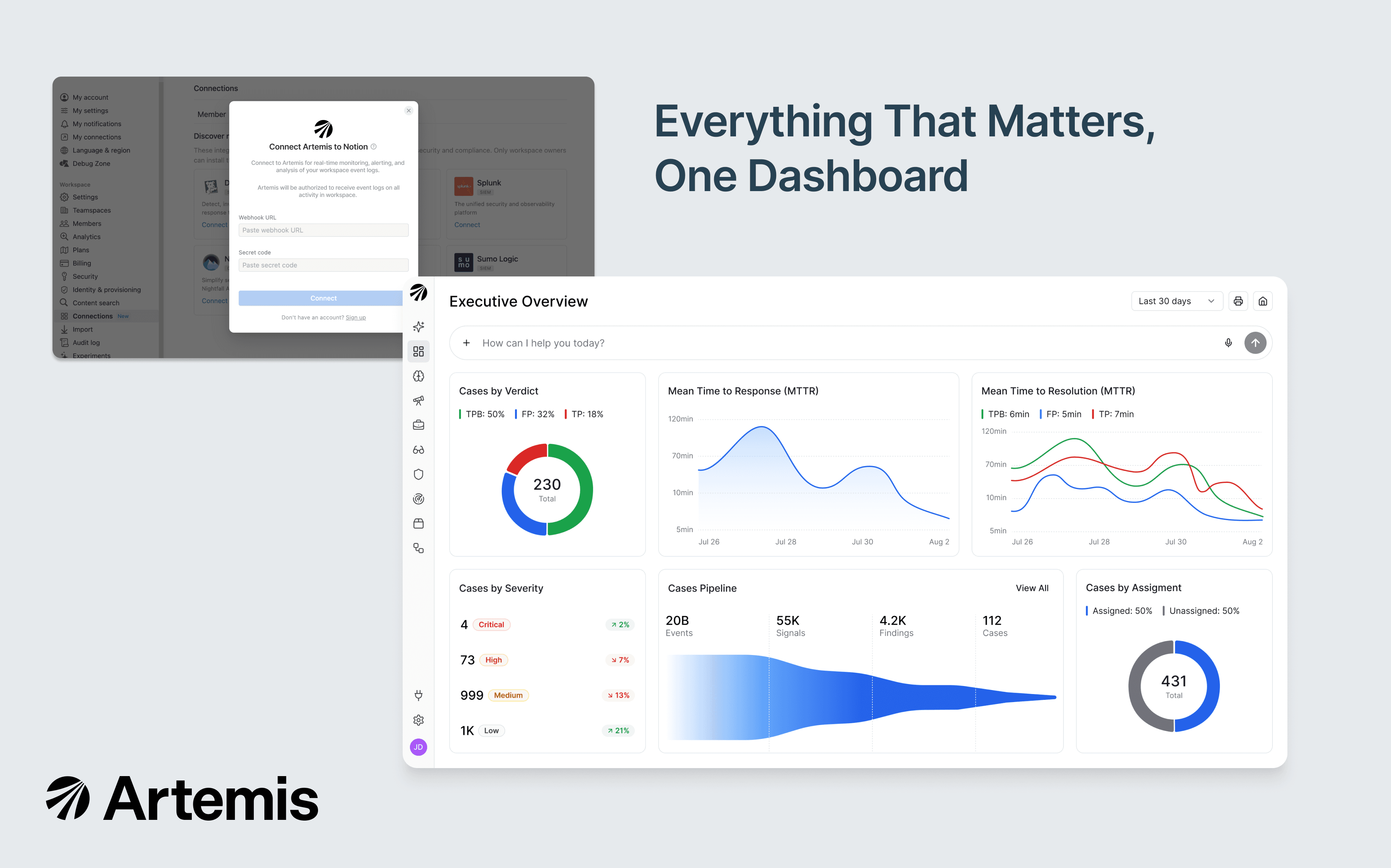
Artemis is an AI-native SIEM purpose-built for AI-speed attacks. This integration forwards your Notion audit logs to Artemis in real time, where adaptive detections (tuned automatically to your environment) flag unusual login activity, data exfiltration, permission changes, integration lifecycle events, and more. When Artemis surfaces a potential threat, agentic investigation correlates the Notion event with identity, cloud, endpoint, and SaaS context to deliver a complete attack story your security team can act on in minutes, not hours.

How to use

Only Notion Workspace Owners can install this integration as part of the Notion Enterprise plan.

  1. Log in to your Artemis portal and open Connectors → Add a Connector → Notion Audit Logs.

  2. Artemis displays a webhook URL and a workspace token.

  3. In Notion, as a Workspace Owner: Settings → Connections → Workspace tab → Artemis → Connect.

  4. Paste the Webhook URL and Token from your Artemis portal into Notion's Connect modal.

  5. Wait or trigger any activity in your Notion workspace (create or edit a new page) to deliver the first event.

  6. In your Artemis portal, click Connect and Validate — the connector flips to Enabled once the first event lands. Adaptive detections begin running automatically.

See the full setup guide in Artemis documentation.

เครื่องหมายการค้าของบุคคลที่ 3 ทั้งหมด (รวมถึงโลโก้และไอคอน) ที่แสดงในที่นี้เป็นทรัพย์สินของเจ้าของที่เกี่ยวข้อง Notion ไม่รองรับหรือดูแลการผสานการทำงาน เว้นแต่จะระบุอย่างชัดเจนว่าสร้างโดย Notion (Made by Notion) ผลิตภัณฑ์หรือบริการของบุคคลที่ 3 ที่เชื่อมต่อเป็นแอพพลิเคชันที่ไม่ใช่ของ Notion (ตามที่กำหนดไว้ใน ข้อตกลงการสมัครใช้บริการฉบับหลักหรือ เงื่อนไขการใช้งานส่วนบุคคลตามความเกี่ยวข้อง) การเปิดใช้งานการผสานการทำงานหรือใช้แกลเลอรีผสานการทำงานของ Notion ถือเป็นการยอมรับ เงื่อนไขของแกลเลอรีการผสานการทำงาน.