Ícone de conexão

Notion AI Connector for Box

Overview

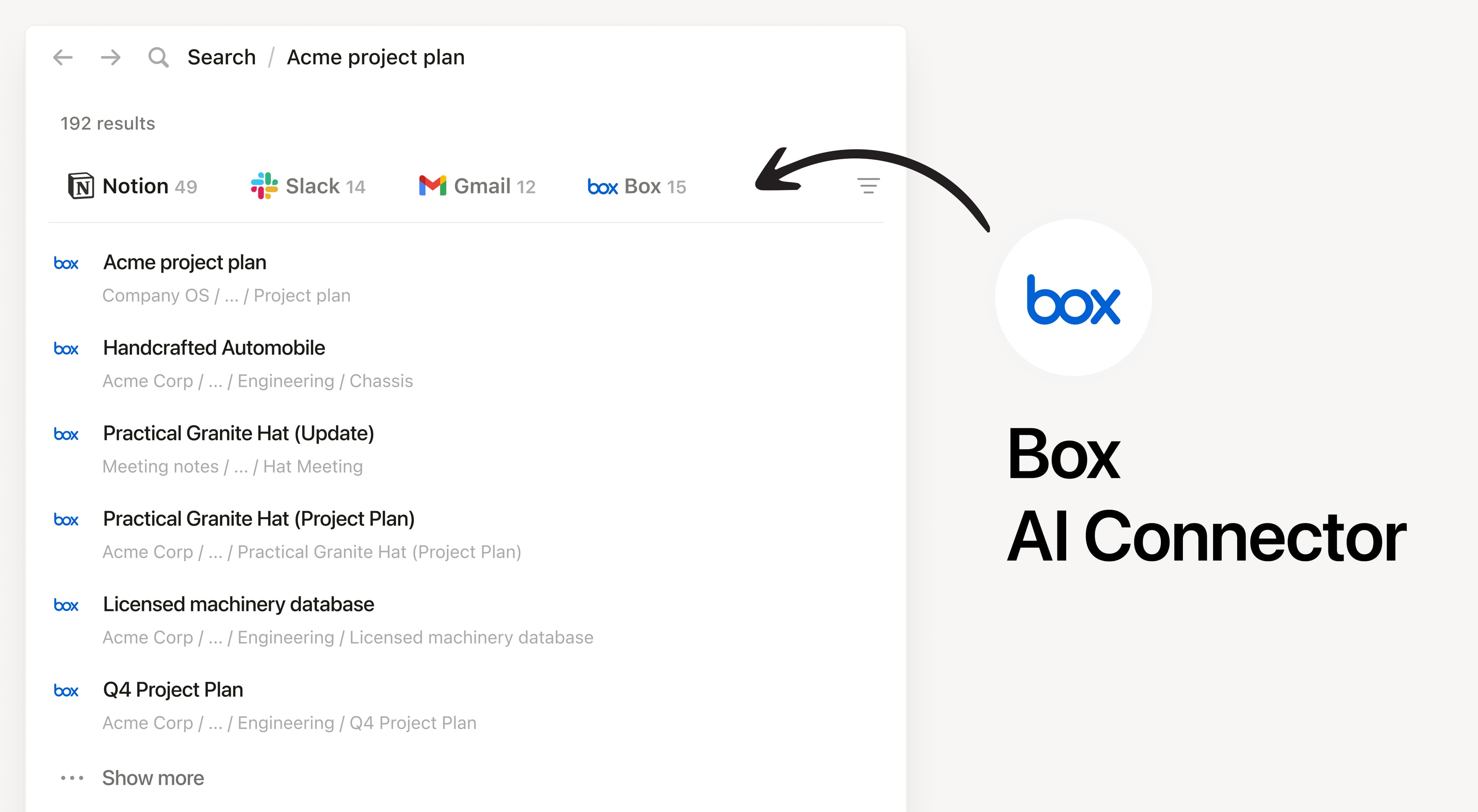
Install Notion’s AI Connector to your Box account. Search your files and folders hosted in Box to answer questions and summarize information without having to leave Notion.

How to use

Must be a Notion workspace owner on the Enterprise plan and Box Admin to connect.

In Notion, navigate to the Box AI Connector by going to Settings → Notion AI → AI Connectors tab → Box and follow the setup steps. You’ll be taken to Box to continue.

For detailed instructions, check out our Help Center.

After installation is complete, ask Notion AI to summarize the key decisions and action items in a specific file or compare two docs to list what changed.

Todas as marcas registradas de terceiros (incluindo logotipos e ícones) aqui mencionadas são propriedade de seus respectivos titulares. Exceto se especificamente designadas como "Criada pelo Notion", as integrações não têm suporte e nem são mantidas pelo Notion. Os produtos ou serviços de terceiros aos quais as Integrações se conectam são Aplicativos de Terceiros (conforme definido no Contrato de Assinatura Mestre ou Termos de Uso Pessoal, conforme aplicável). Ao habilitar qualquer integração ou usar a Galeria de Integrações do Notion, você concorda com os Termos da Galeria de Integrações.