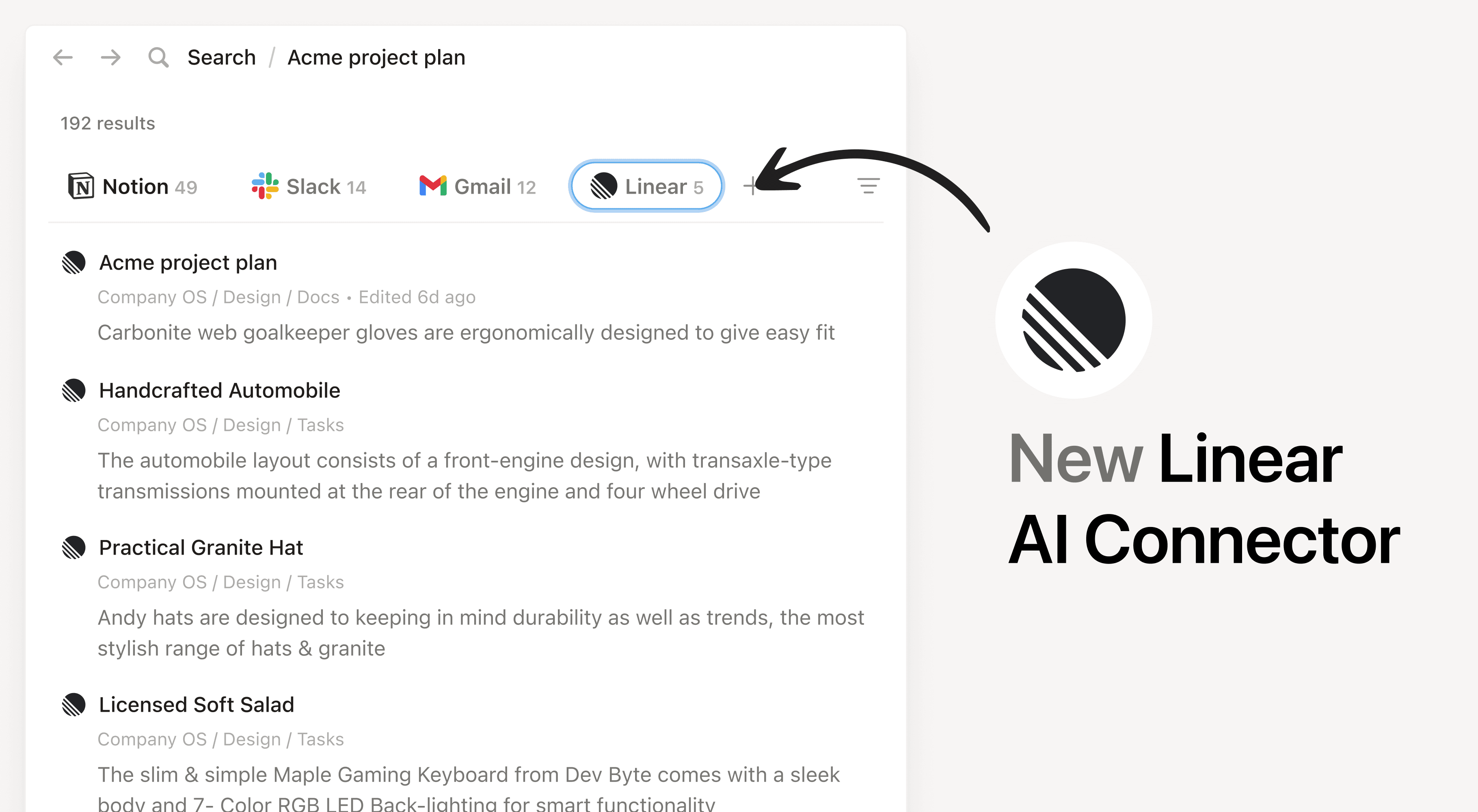
Install Notion's AI Connector to your Linear workspace. Available for all Linear organizations. Easily find information about team priorities, status updates, and tasks within the Linear projects, issues, and comments that you have access to without having to leave Notion.
How to use
Must be a Notion workspace owner on a Business or Enterprise plan and a Linear Admin to connect.
In Notion, navigate to Linear AI Connector by going to Settings → Notion AI → AI Connectors → Linear and follow the setup steps. You'll be taken to Linear to continue.
For detailed instructions, check out our Help Center.
After installation is complete, ask Notion AI to provide summarize the recent updates on a project in Linear or ask why a feature isn't working as expected for troubleshooting.
Alla tredjepartsmärken (inklusive logotyper och ikoner) som vi hänvisar till här tillhör sina respektive ägare. Utöver integrationer som specifikt kommer från Notion erbjuder Notion varken support eller underhåll för integrationer. Produkter eller tjänster från tredje part som integrationerna ansluter till är tredjepartsapplikationer (enligt definitionen i Notions i abonnemangsavtalet eller Personliga användarvillkor, beroende på vad som är tillämpligt). Om du aktiverar en integration, eller på annat sätt använder Notions integrationsgalleri, samtycker du till Notions villkor för Notions integrationsgalleri.