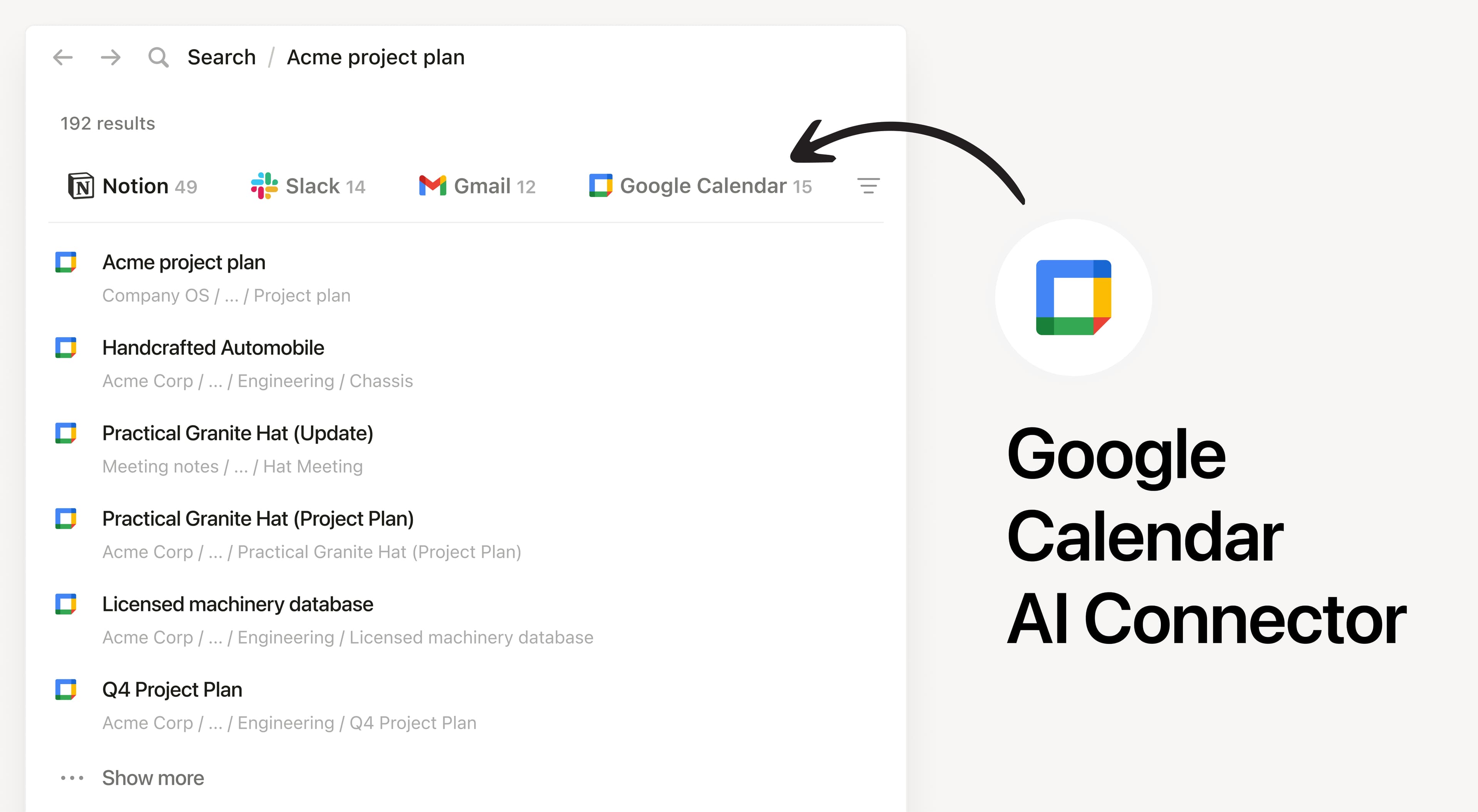
Install Notion's AI Connector to your Google Calendar. Search by keywords, guests, or date ranges to find and analyze your calendar events without having to leave Notion.
How to use
Must be a Notion workspace owner on the Business or Enterprise plan and Google workspace admin to connect.
In Notion, navigate to Google Calendar AI Connector by going to Settings → Notion AI → AI Connectors → Google Calendar and follow the setup steps. You'll be taken to the Google Marketplace to continue.
For detailed instructions, check out our Help Center.
After installation is complete, ask Notion AI to brief you on your schedule for the upcoming week or summarize action items from meetings you’ve attended.
جميع العلامات التجارية لأطراف ثالثة (بما في ذلك الشعارات والأيقونات) المشار إليها هنا هي ملك لأصحابها المعنيين. ما لم يُذكر صراحةً على أنه من صنع Notion، فإن التكاملات غير مدعومة أو مُدارة من قبل Notion. المنتجات أو الخدمات التابعة لأطراف ثالثة التي تتصل بها التكاملات تعتبر تطبيقات غير تابعة لـ Notion (كما هو محدد في اتفاقية الاشتراك الرئيسية لـ Notion أو شروط الاستخدام الشخصية، حسب الاقتضاء). من خلال تفعيل أي تكامل أو استخدام معرض تكاملات Notion، فإنك توافق على شروط معرض التكاملات الخاصة بـ Notion.