סמל חיבור

Notion AI Connector for SharePoint and OneDrive

Overview

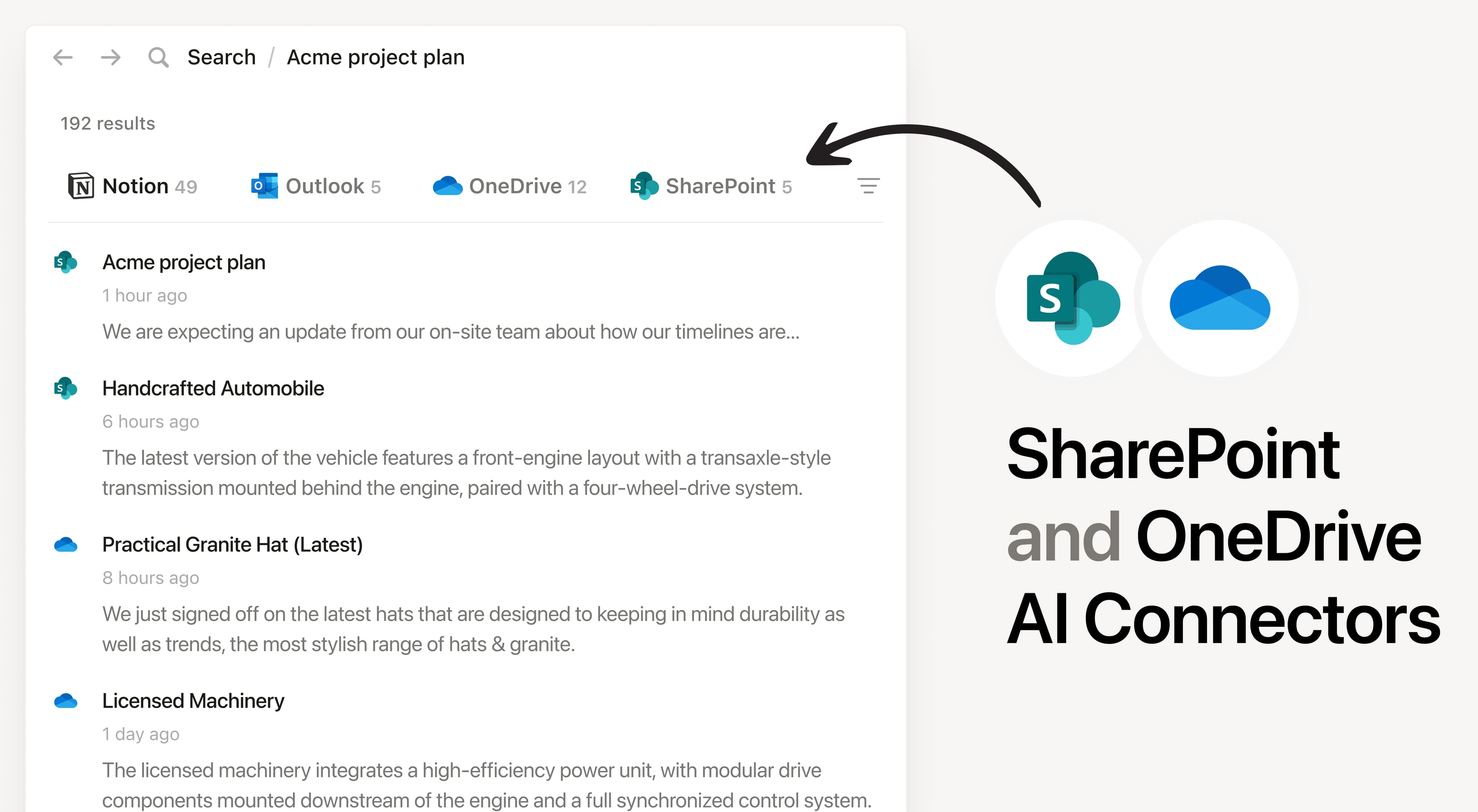
Install Notion’s AI Connector to your SharePoint instance and OneDrive account. Get answers from content stored in files (docx, xlsx, pptx), PDFs, and documents. Easily find company policies, project documentation, and analyze team files in Excel without having to leave Notion.

How to use

Must be a Notion workspace owner and Microsoft 365 admin to connect. In Notion, navigate to the SharePoint and OneDrive AI Connector by going to SettingsNotion AISharePoint and OneDrive in the AI Connectors section. You’ll be taken to Microsoft to continue.

For detailed instructions, check out our Help Center.

After installation is complete, ask Notion AI for the most common themes in customer feedback documents or summarize the key findings from your recent Quarterly Report in your shared documents.

כל הסימנים המסחריים של צד שלישי (כולל לוגואים וסמלים) המוזכרים כאן הם רכוש של הבעלים שלהם. אלא אם כן צוין במפורש כי האינטגרציות מיוצרות על ידי Notion, הן אינן נתמכות או מתוחזקות על ידי Notion. המוצרים או השירותים של צד שלישי שהאינטגרציות מתחברות אליהם אינם יישומים של Notion (כפי שמוגדר בהסכם המינוי הראשי של Notion או בתנאי השימוש האישיים, בהתאם לרלוונטיות). הפעלת כל אינטגרציה או שימוש אחר באוסף האינטגרציות של Notion מהווים את הסכמתכם לתנאי גלריית האינטגרציות של Notion.