סמל חיבור

Notion AI Connector for Google Calendar

Overview

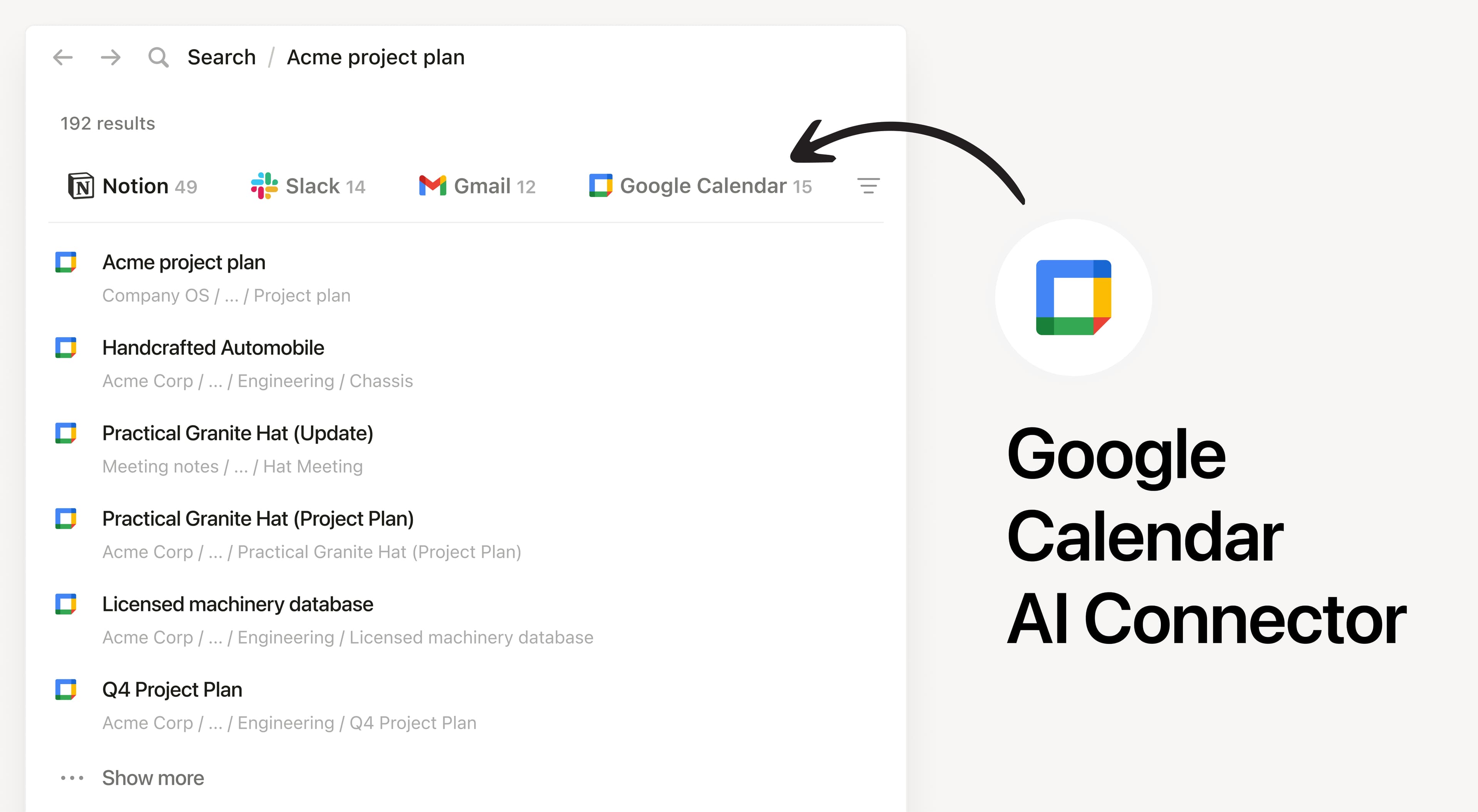
Install Notion's AI Connector to your Google Calendar. Search by keywords, guests, or date ranges to find and analyze your calendar events without having to leave Notion.

How to use

Must be a Notion workspace owner on the Business or Enterprise plan and Google workspace admin to connect.

In Notion, navigate to Google Calendar AI Connector by going to SettingsNotion AIAI ConnectorsGoogle Calendar and follow the setup steps. You'll be taken to the Google Marketplace to continue.

For detailed instructions, check out our Help Center.

After installation is complete, ask Notion AI to brief you on your schedule for the upcoming week or summarize action items from meetings you’ve attended.

כל הסימנים המסחריים של צד שלישי (כולל לוגואים וסמלים) המוזכרים כאן הם רכוש של הבעלים שלהם. אלא אם כן צוין במפורש כי האינטגרציות מיוצרות על ידי Notion, הן אינן נתמכות או מתוחזקות על ידי Notion. המוצרים או השירותים של צד שלישי שהאינטגרציות מתחברות אליהם אינם יישומים של Notion (כפי שמוגדר בהסכם המינוי הראשי של Notion או בתנאי השימוש האישיים, בהתאם לרלוונטיות). הפעלת כל אינטגרציה או שימוש אחר באוסף האינטגרציות של Notion מהווים את הסכמתכם לתנאי גלריית האינטגרציות של Notion.