أيقونة الاتصال

Sumo Logic

Overview

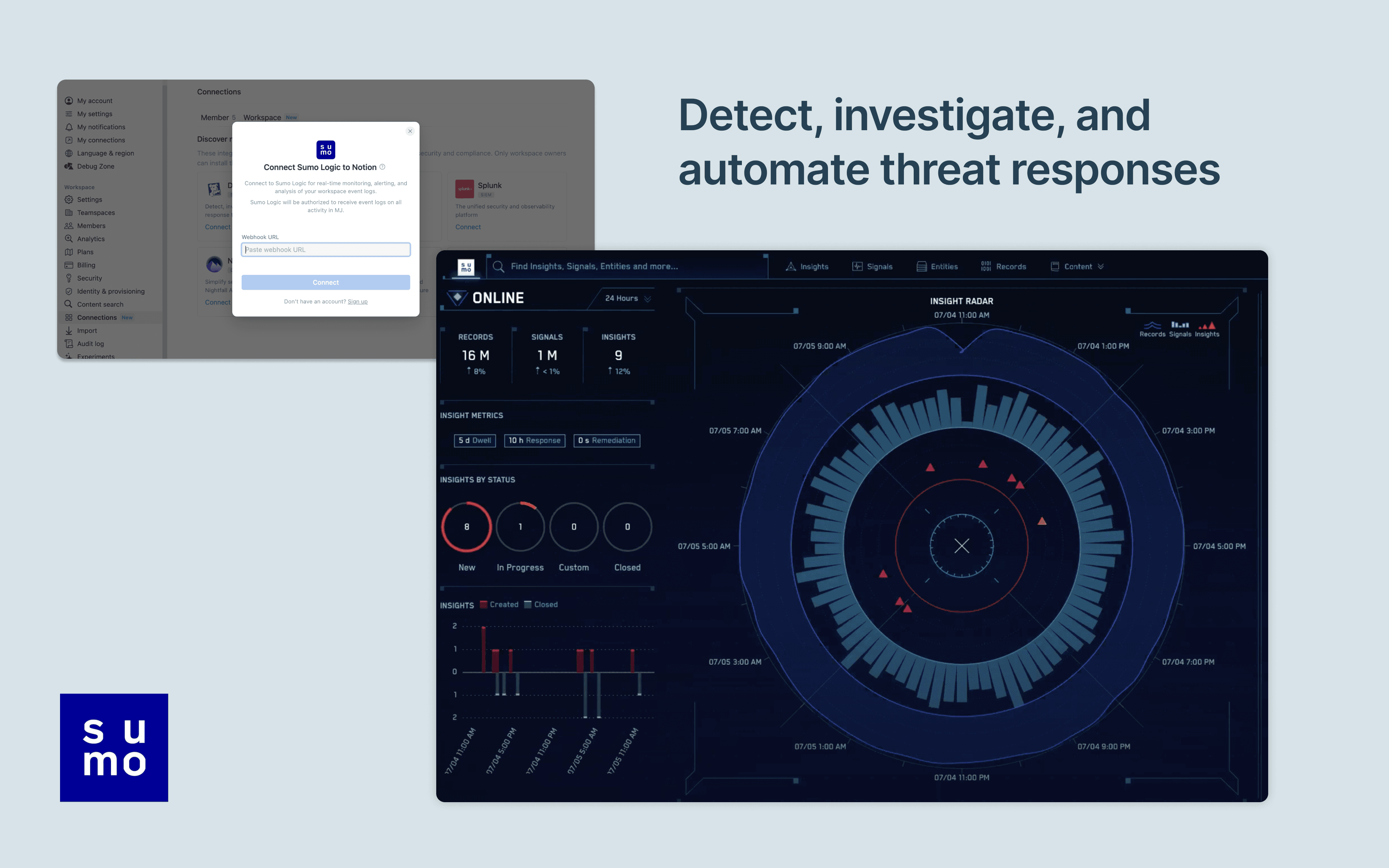
Notion's integration with Sumo Logic allows users to manage and monitor their Notion workspace activity in their Sumo Logic Cloud SIEM. Install the integration to import your workspace's audit logs for real-time monitoring, alerting, and analysis. From there, users can detect and investigate potential security issues, suspicious behavior, and troubleshoot access with confidence and ease.

How to use

Only Notion Connections can install this integration as part of the Notion Enterprise plan.

  1. Log into your Sumo Logic instance

  2. Click Manage Data > Collection

  3. Navigate to Setup Wizard and click Get Started

  4. When presented with Data Type, click Your Custom App > HTTPS Source

  5. Copy the HTTP Source URL into Notion settings

You can find additional instructions in Sumo Logic's documentation.

جميع العلامات التجارية لأطراف ثالثة (بما في ذلك الشعارات والأيقونات) المشار إليها هنا هي ملك لأصحابها المعنيين. ما لم يُذكر صراحةً على أنه من صنع Notion، فإن التكاملات غير مدعومة أو مُدارة من قبل Notion. المنتجات أو الخدمات التابعة لأطراف ثالثة التي تتصل بها التكاملات تعتبر تطبيقات غير تابعة لـ Notion (كما هو محدد في اتفاقية الاشتراك الرئيسية لـ Notion أو شروط الاستخدام الشخصية، حسب الاقتضاء). من خلال تفعيل أي تكامل أو استخدام معرض تكاملات Notion، فإنك توافق على شروط معرض التكاملات الخاصة بـ Notion.