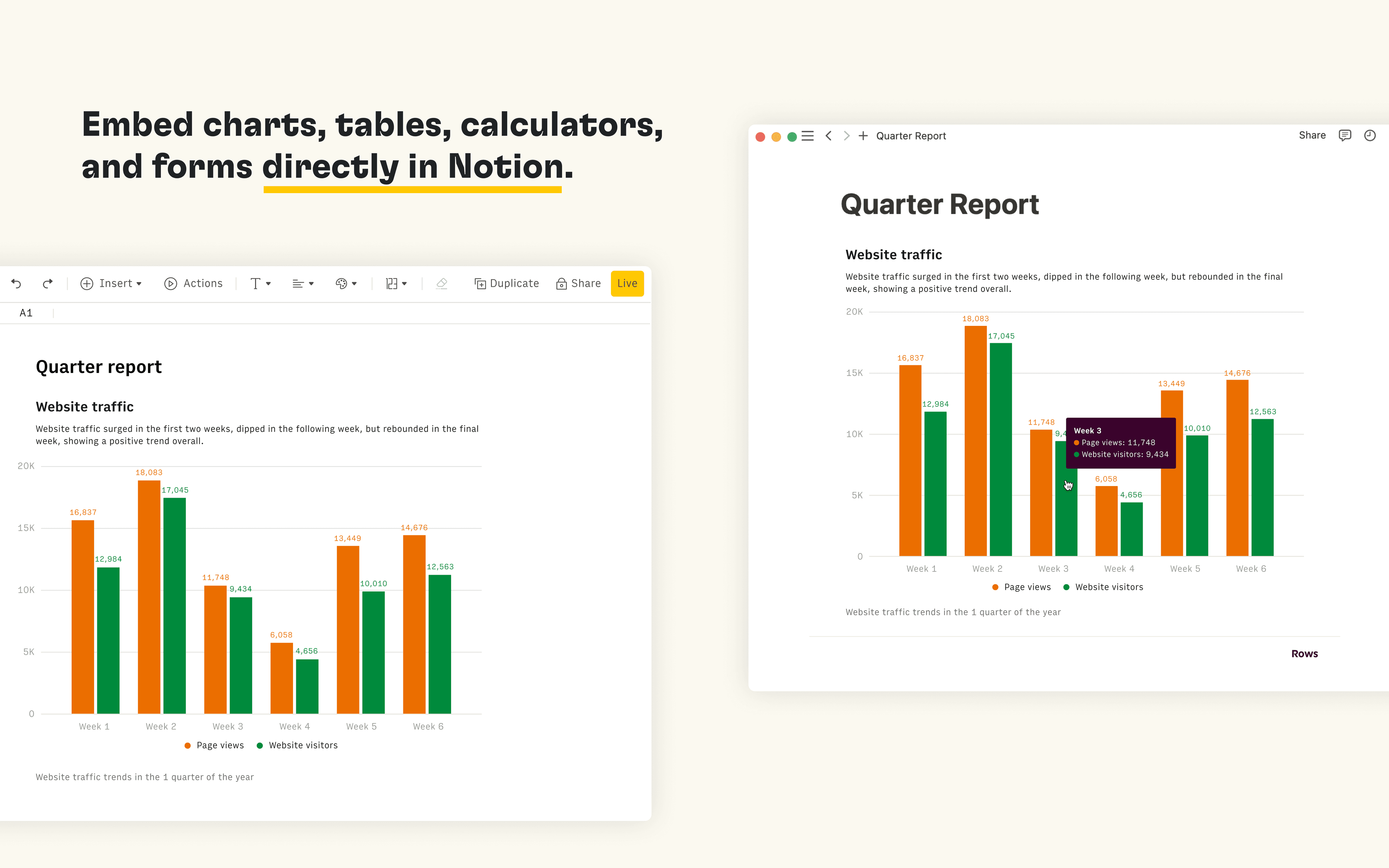
Rows is the spreadsheet where data comes to life. The Notion integration in Rows allows you to import and query your Notion databases in Rows, analyze and transform data using AI, and embed interactive tables and charts in your Notion pages.
How to use
Connect the Notion integration in Rows and import the contents of your databases to a table in Rows
Once you’re ready to embed your data into Notion, select Embed next to the table, form or chart you want to share in Notion and select Copy URL. The embed link should be in the following format: https:/ / rows. com/ embed/ projectID
Paste the Rows embed link into Notion and select Create embed
جميع العلامات التجارية لأطراف ثالثة (بما في ذلك الشعارات والأيقونات) المشار إليها هنا هي ملك لأصحابها المعنيين. ما لم يُذكر صراحةً على أنه من صنع Notion، فإن التكاملات غير مدعومة أو مُدارة من قبل Notion. المنتجات أو الخدمات التابعة لأطراف ثالثة التي تتصل بها التكاملات تعتبر تطبيقات غير تابعة لـ Notion (كما هو محدد في اتفاقية الاشتراك الرئيسية لـ Notion أو شروط الاستخدام الشخصية، حسب الاقتضاء). من خلال تفعيل أي تكامل أو استخدام معرض تكاملات Notion، فإنك توافق على شروط معرض التكاملات الخاصة بـ Notion.