أيقونة الاتصال

Loom

Overview

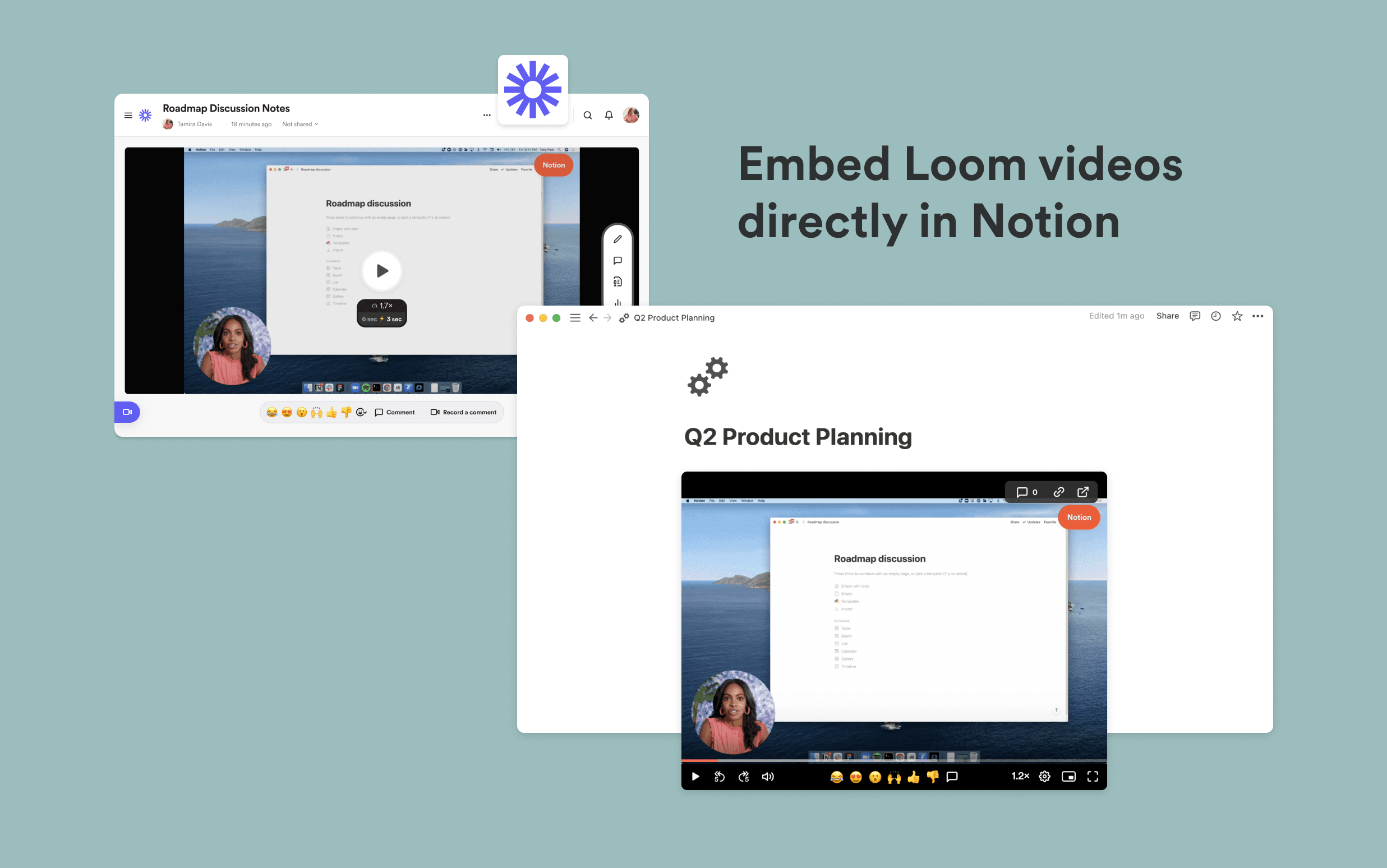
Loom lets you record your screen and camera to explain concepts visually in a fraction of the time. Notion’s integration with Loom allows you to embed Loom videos directly into Notion, making it easier to keep information in one place and keep your team up to date with everything that’s going on.

How to use

  • Paste any Loom link into Notion, then select Embed Loom. You can also type /loom in any Notion page - a field will come up that allows you to paste Loom links

  • Ensure your Loom video has the right access permissions before embedding it into Notion. Loom embeds work with any shareable links. You can adjust privacy settings in Loom’s Share menu

جميع العلامات التجارية لأطراف ثالثة (بما في ذلك الشعارات والأيقونات) المشار إليها هنا هي ملك لأصحابها المعنيين. ما لم يُذكر صراحةً على أنه من صنع Notion، فإن التكاملات غير مدعومة أو مُدارة من قبل Notion. المنتجات أو الخدمات التابعة لأطراف ثالثة التي تتصل بها التكاملات تعتبر تطبيقات غير تابعة لـ Notion (كما هو محدد في اتفاقية الاشتراك الرئيسية لـ Notion أو شروط الاستخدام الشخصية، حسب الاقتضاء). من خلال تفعيل أي تكامل أو استخدام معرض تكاملات Notion، فإنك توافق على شروط معرض التكاملات الخاصة بـ Notion.