סמל חיבור

Sumo Logic

Overview

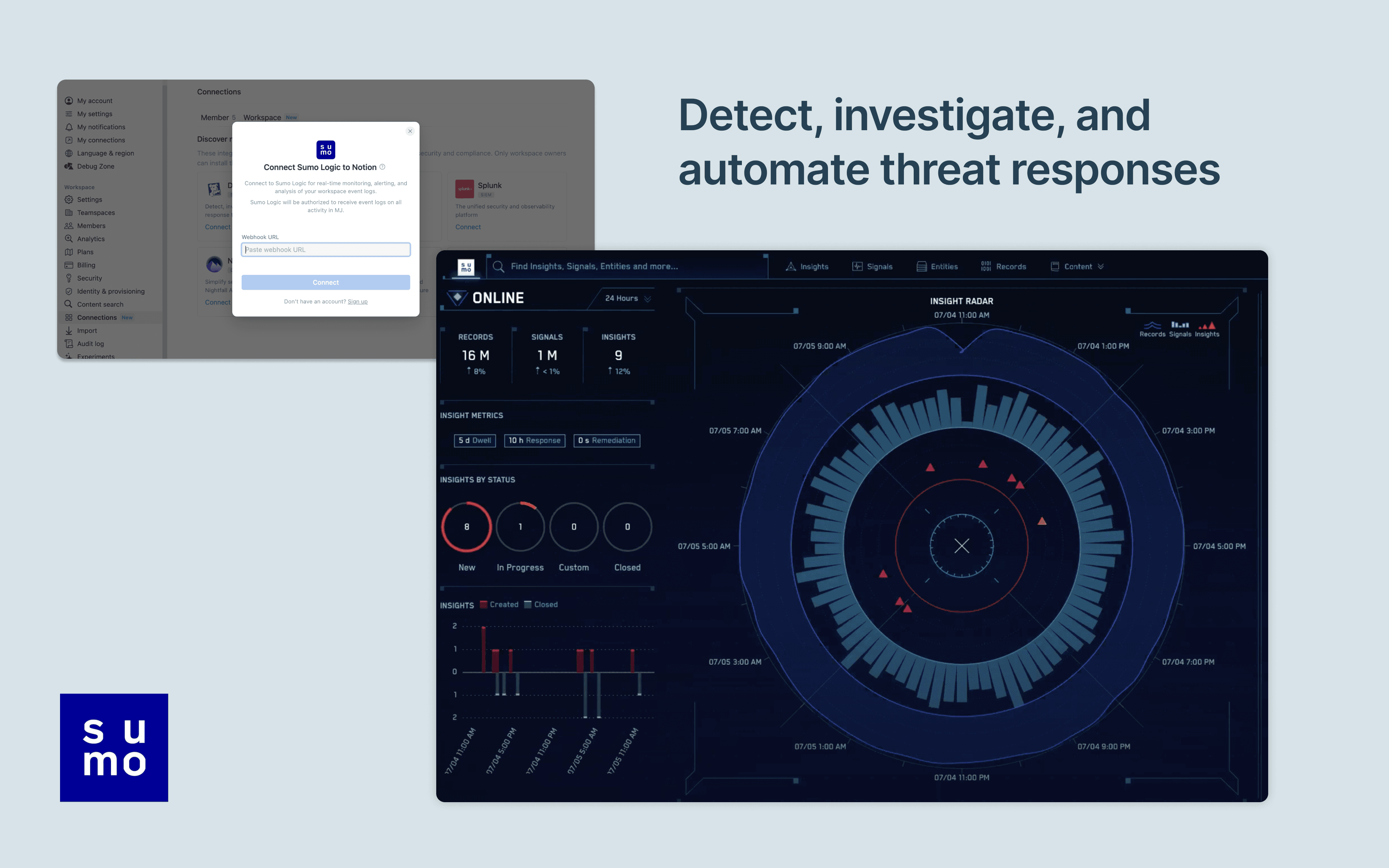
Notion's integration with Sumo Logic allows users to manage and monitor their Notion workspace activity in their Sumo Logic Cloud SIEM. Install the integration to import your workspace's audit logs for real-time monitoring, alerting, and analysis. From there, users can detect and investigate potential security issues, suspicious behavior, and troubleshoot access with confidence and ease.

How to use

Only Notion Connections can install this integration as part of the Notion Enterprise plan.

  1. Log into your Sumo Logic instance

  2. Click Manage Data > Collection

  3. Navigate to Setup Wizard and click Get Started

  4. When presented with Data Type, click Your Custom App > HTTPS Source

  5. Copy the HTTP Source URL into Notion settings

You can find additional instructions in Sumo Logic's documentation.

כל הסימנים המסחריים של צד שלישי (כולל לוגואים וסמלים) המוזכרים כאן הם רכוש של הבעלים שלהם. אלא אם כן צוין במפורש כי האינטגרציות מיוצרות על ידי Notion, הן אינן נתמכות או מתוחזקות על ידי Notion. המוצרים או השירותים של צד שלישי שהאינטגרציות מתחברות אליהם אינם יישומים של Notion (כפי שמוגדר בהסכם המינוי הראשי של Notion או בתנאי השימוש האישיים, בהתאם לרלוונטיות). הפעלת כל אינטגרציה או שימוש אחר באוסף האינטגרציות של Notion מהווים את הסכמתכם לתנאי גלריית האינטגרציות של Notion.