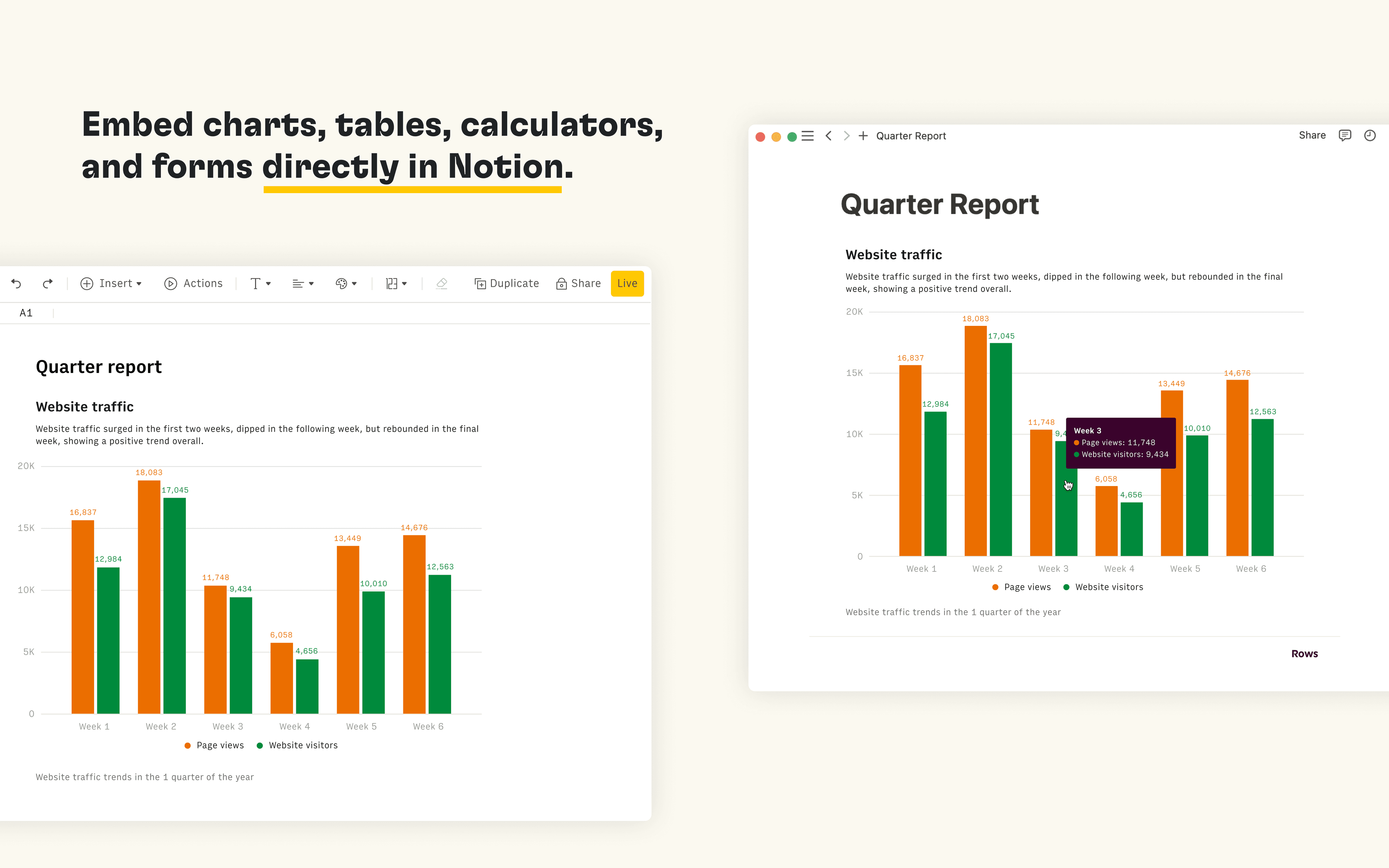
Rows is the spreadsheet where data comes to life. The Notion integration in Rows allows you to import and query your Notion databases in Rows, analyze and transform data using AI, and embed interactive tables and charts in your Notion pages.
How to use
Connect the Notion integration in Rows and import the contents of your databases to a table in Rows
Once you’re ready to embed your data into Notion, select Embed next to the table, form or chart you want to share in Notion and select Copy URL. The embed link should be in the following format: https:/ / rows. com/ embed/ projectID
Paste the Rows embed link into Notion and select Create embed
כל הסימנים המסחריים של צד שלישי (כולל לוגואים וסמלים) המוזכרים כאן הם רכוש של הבעלים שלהם. אלא אם כן צוין במפורש כי האינטגרציות מיוצרות על ידי Notion, הן אינן נתמכות או מתוחזקות על ידי Notion. המוצרים או השירותים של צד שלישי שהאינטגרציות מתחברות אליהם אינם יישומים של Notion (כפי שמוגדר בהסכם המינוי הראשי של Notion או בתנאי השימוש האישיים, בהתאם לרלוונטיות). הפעלת כל אינטגרציה או שימוש אחר באוסף האינטגרציות של Notion מהווים את הסכמתכם לתנאי גלריית האינטגרציות של Notion.